Examples
Try a feature in your browser, experiment with its controls and read the source code. Every example runs on this site.
Basics1
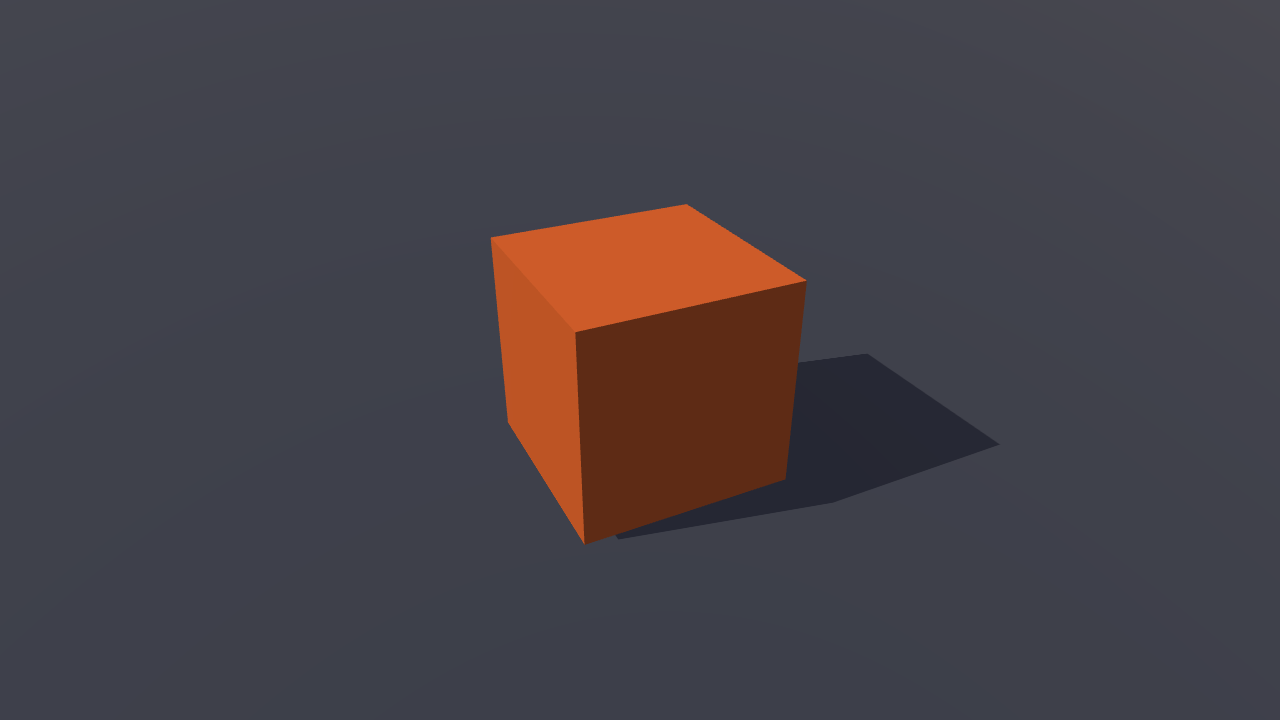
Hello cube
BasicsStart with a spinning cube, a camera and lights, all created in code.
- Mouse
- Touch
- Gamepad
Rendering3
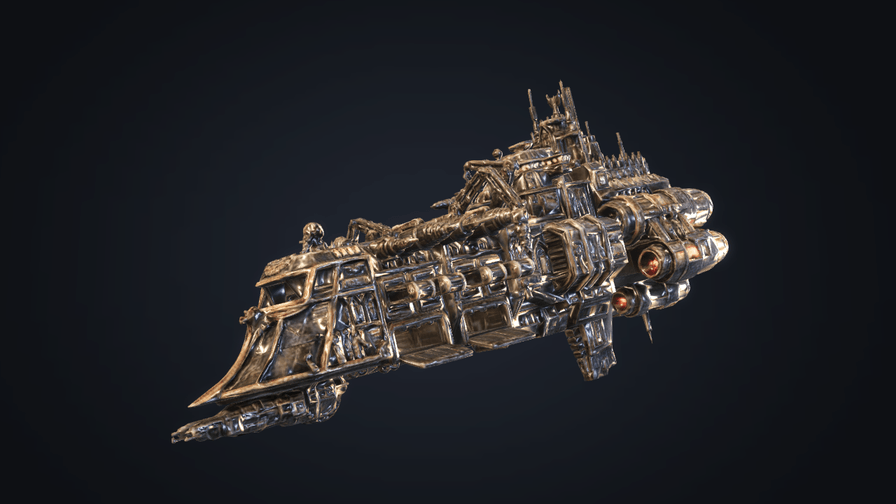
Physically based rendering
RenderingExplore the ignifx ship with realistic metal, reflections and glowing engines.
- Mouse
- Touch
- Gamepad
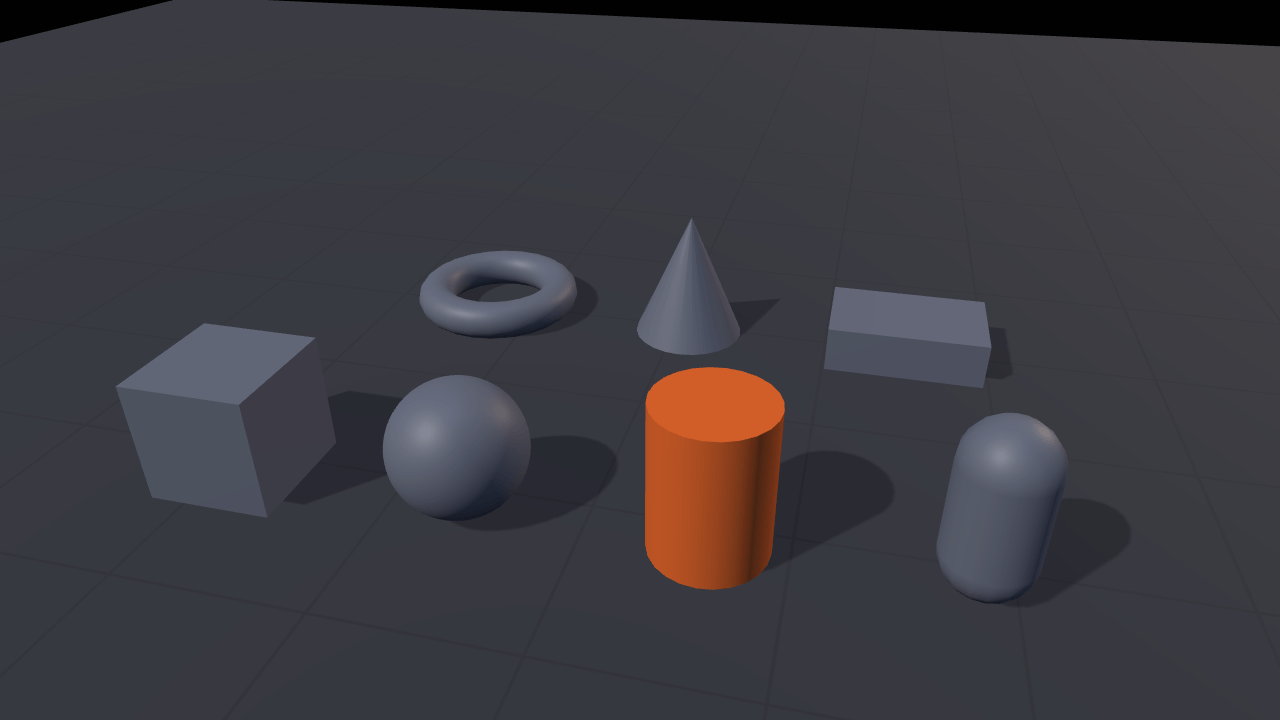
Picking
RenderingClick a shape and compare object selection using the GPU and CPU.
- Mouse
- Touch
- Gamepad
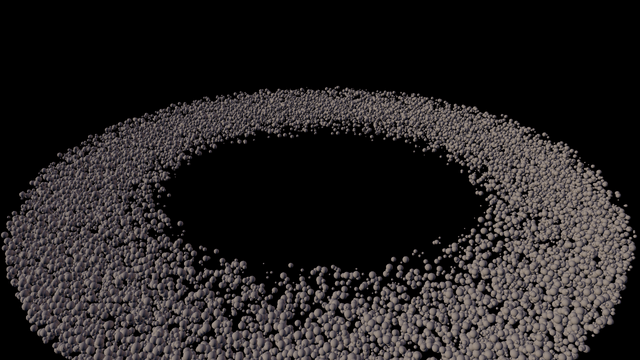
Instancing
RenderingTwenty thousand asteroids, one mesh, one draw call.
- Mouse
- Touch
- Gamepad
Shaders4
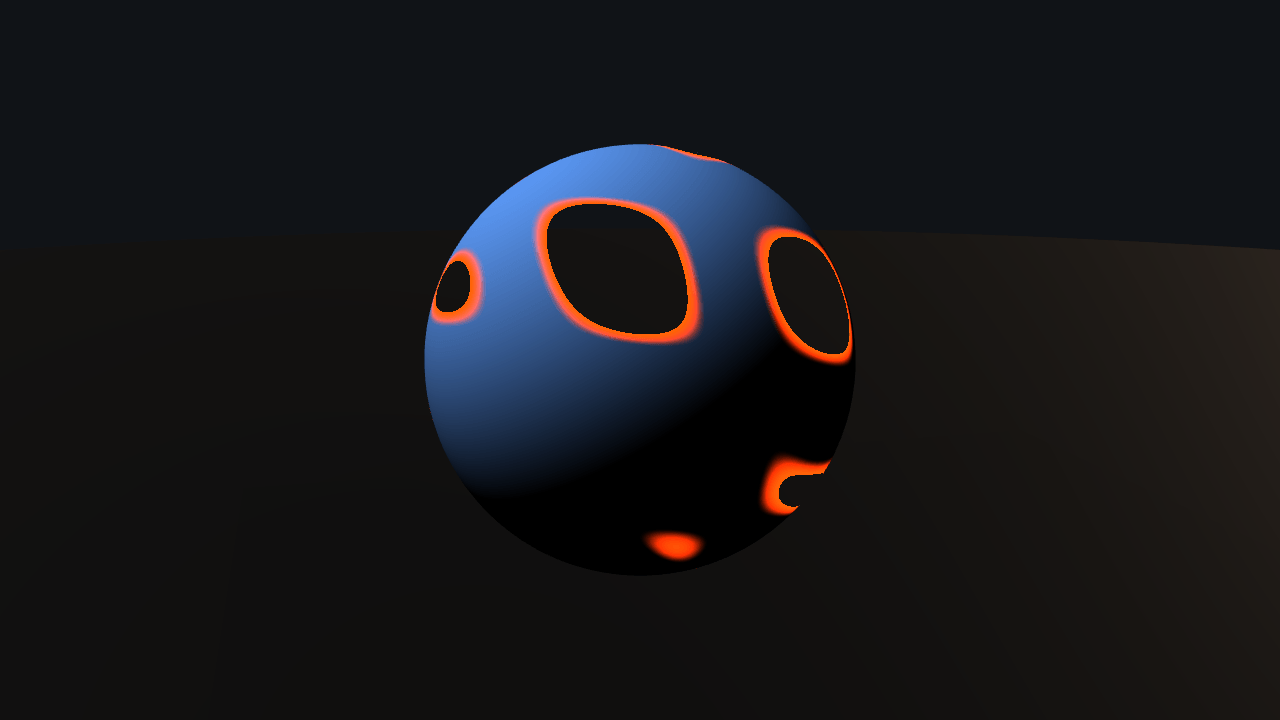
Custom shader
ShadersFour hand-written WGSL materials on one sphere: toon, dissolve, hologram, force field.
- Mouse
- Touch
- Gamepad
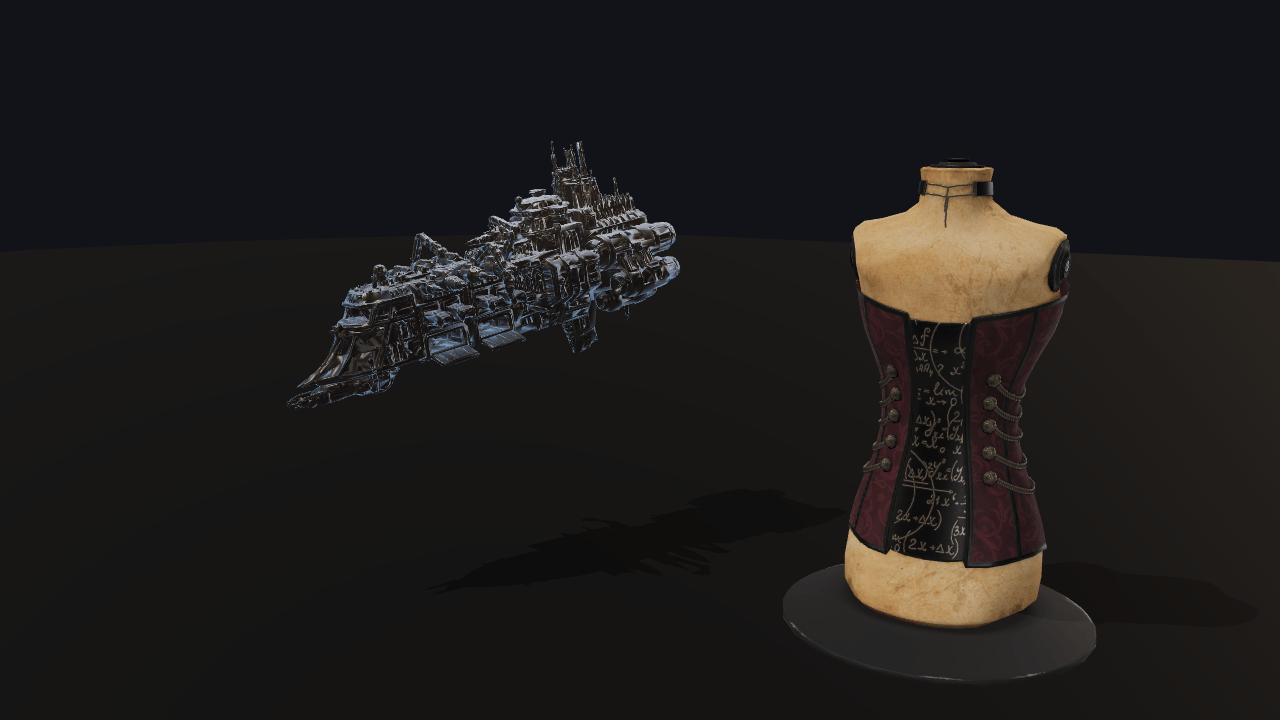
Surface shaders
ShadersSnow, wetness, a rim light and a hit flash on a PBR hull, with the lighting untouched.
- Mouse
- Touch
- Gamepad
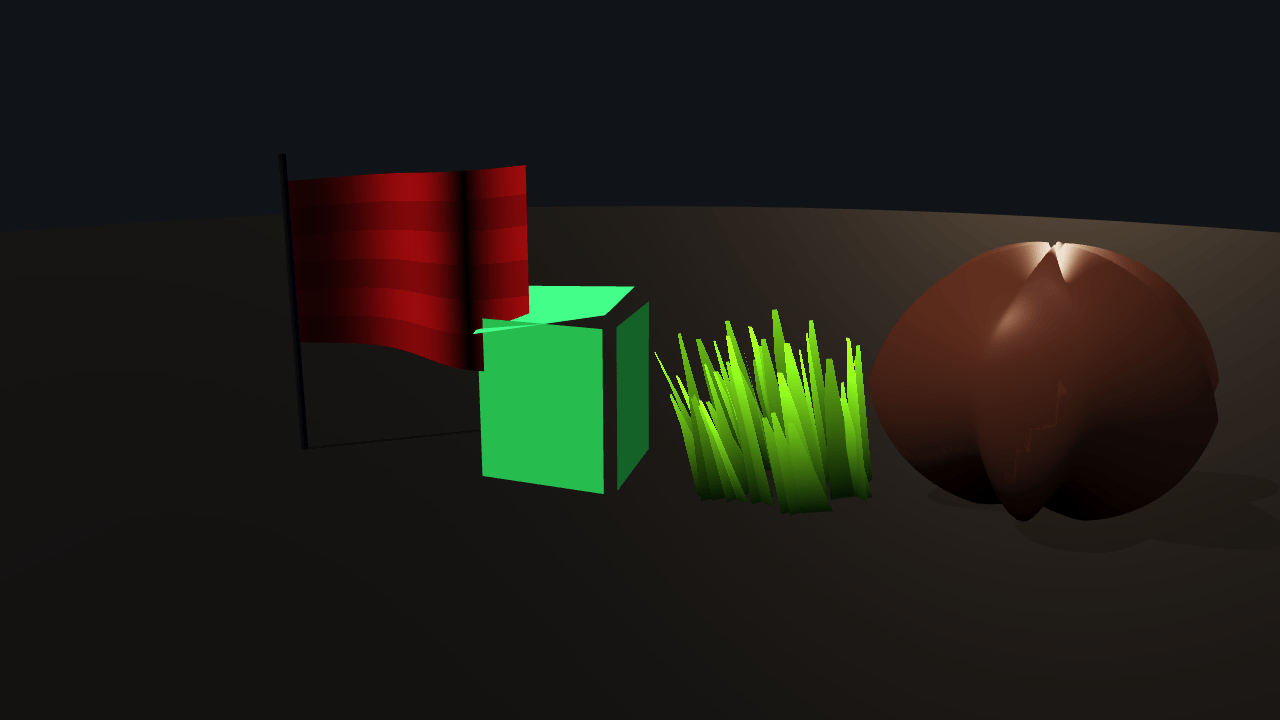
Vertex animation
ShadersA flag, a jelly cube and wind-blown grass, beside the one thing a surface shader cannot do.
- Mouse
- Touch
- Gamepad
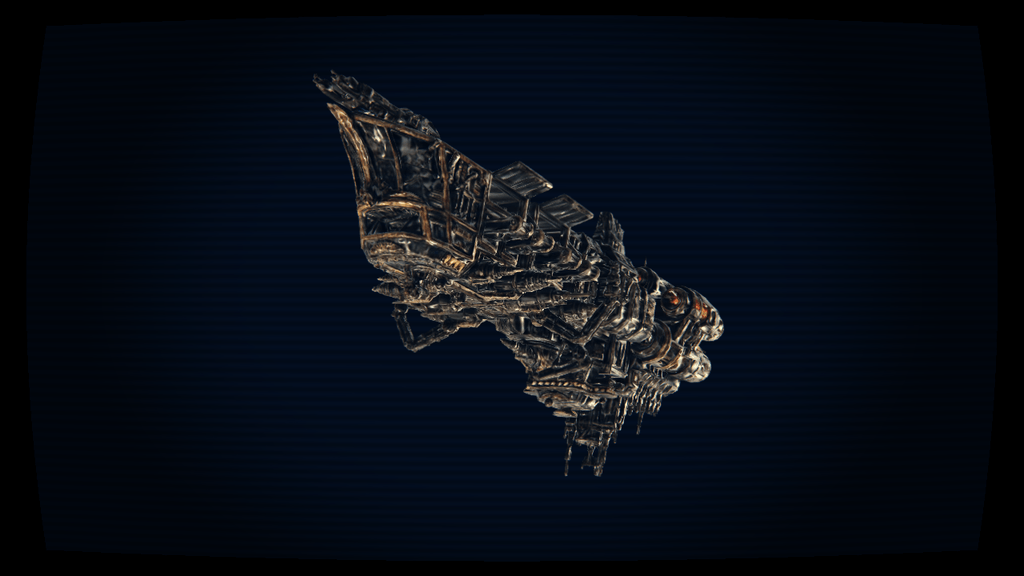
Custom post-processing
ShadersVignette, film grain, pixelate, CRT and a baked colour LUT on one PostProcessStack.
- Mouse
- Touch
- Gamepad
Post-processing1
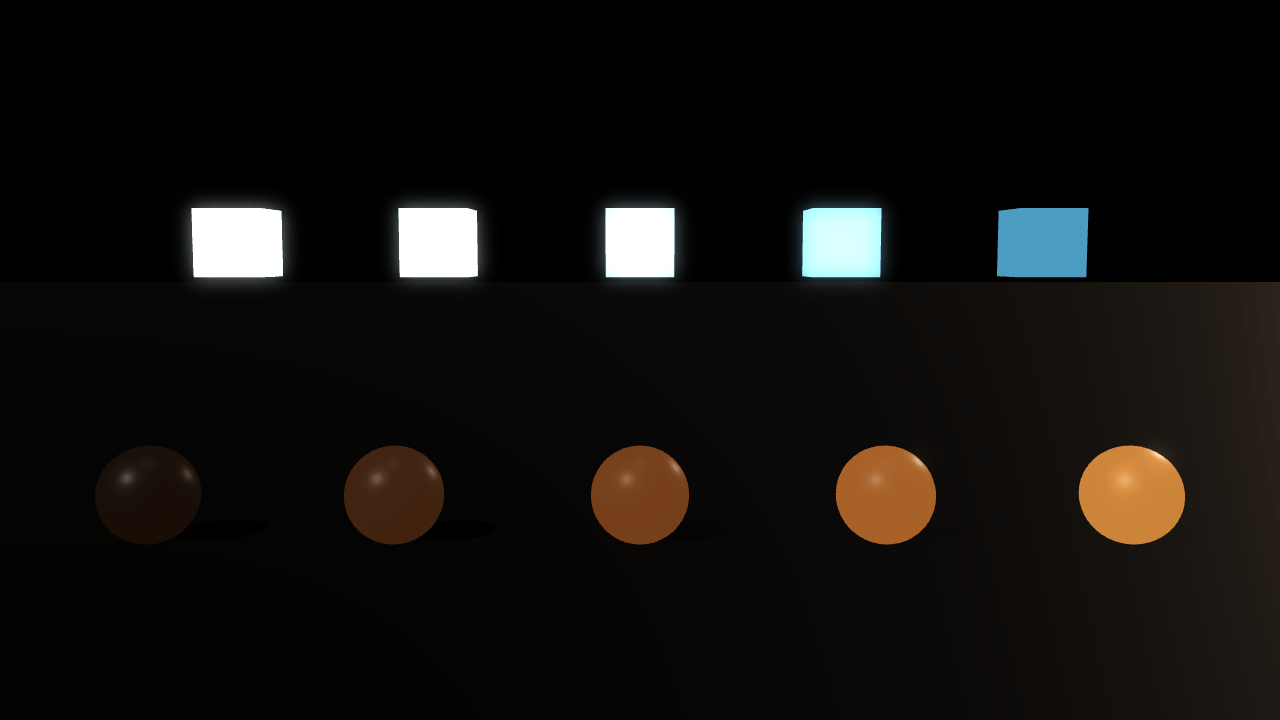
Bloom
Post-processingAdd a glow around bright objects and adjust its strength and spread.
- Mouse
- Touch
- Gamepad
Models3
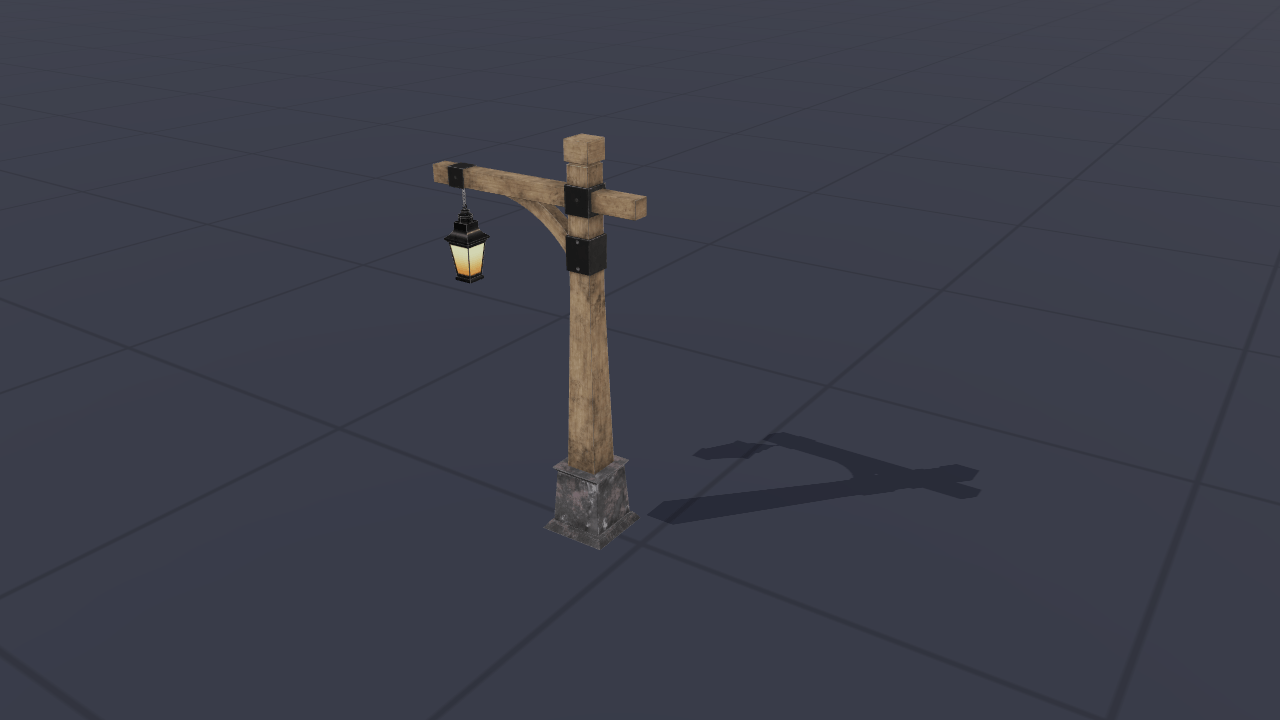
Model loading
ModelsLoad and switch 3D models, track their progress and release unused assets.
- Mouse
- Touch
- Gamepad
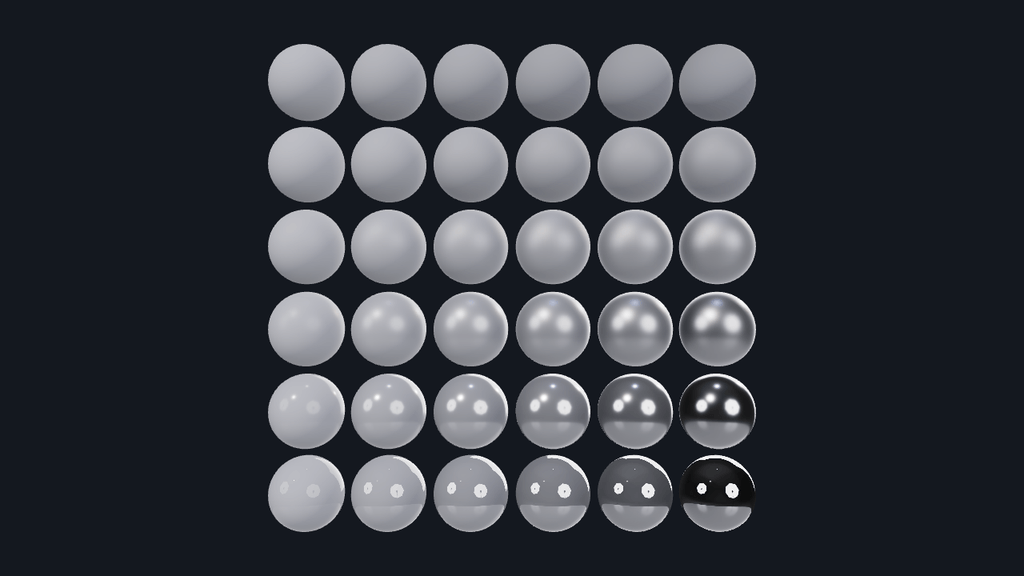
Roughness and metalness
ModelsCompare smooth, rough, painted and metallic surfaces on a grid of spheres.
- Mouse
- Touch
- Gamepad
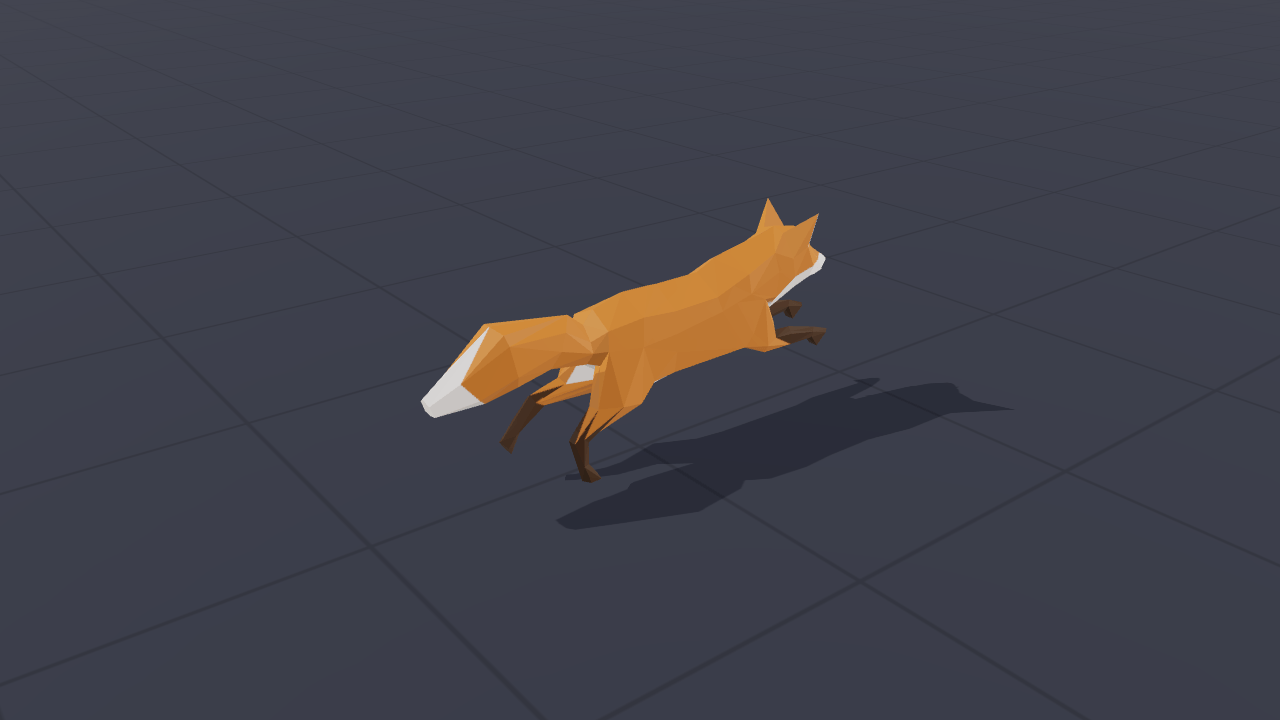
Skinned animation
ModelsBlend a fox’s walk and run animations, change playback speed and inspect individual poses.
- Mouse
- Touch
- Gamepad
Lighting4
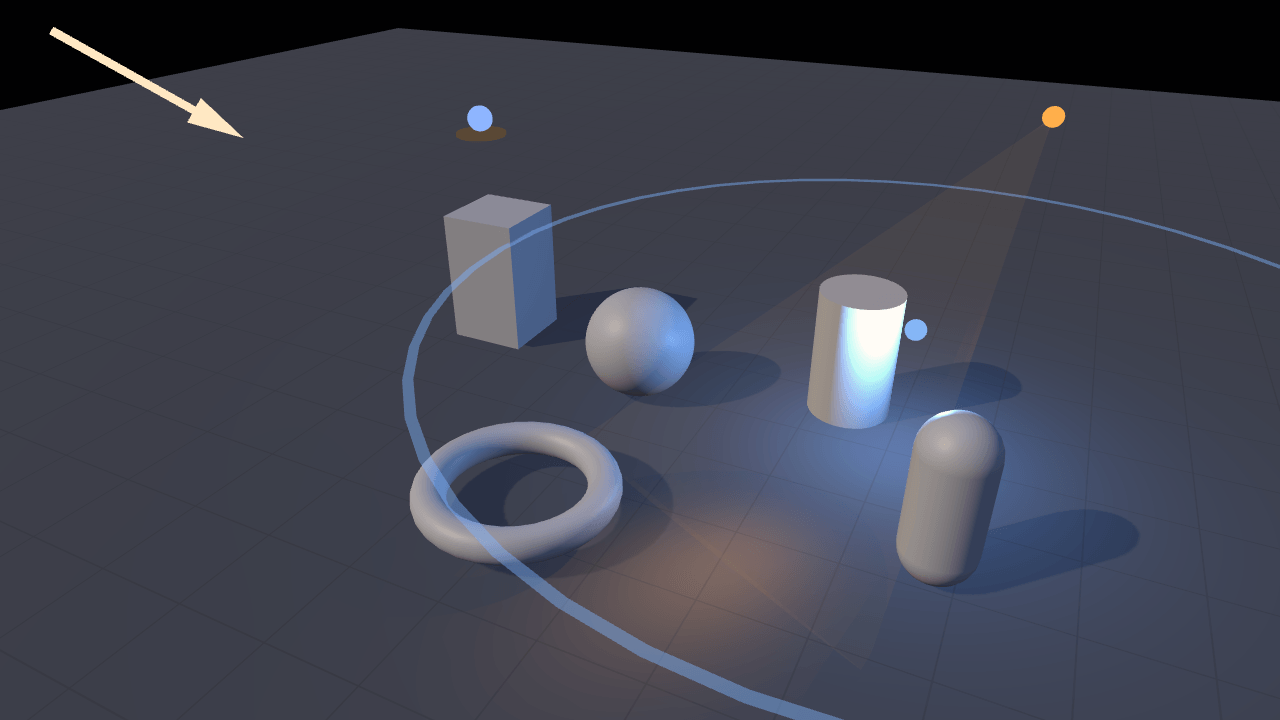
Light types
LightingCompare four types of light and adjust their colour, strength and reach.
- Mouse
- Touch
- Gamepad
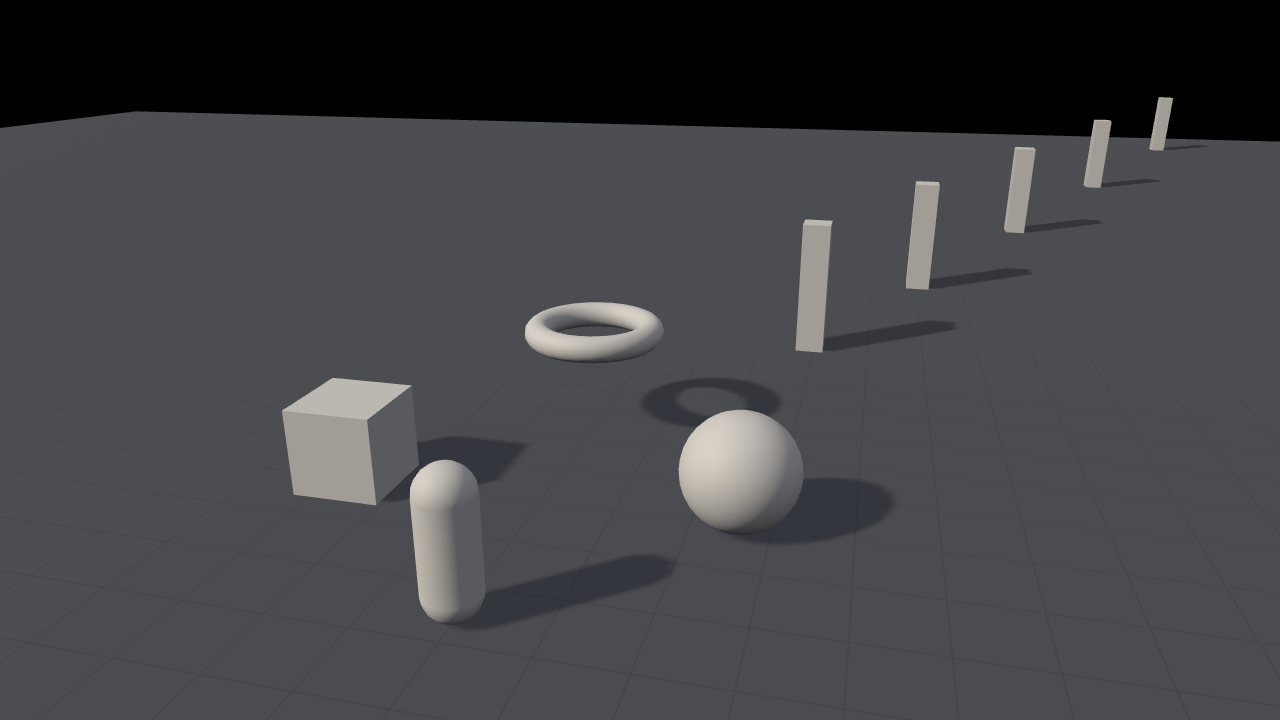
Shadows
LightingCompare shadow techniques and adjust their softness, detail and distance.
- Mouse
- Touch
- Gamepad
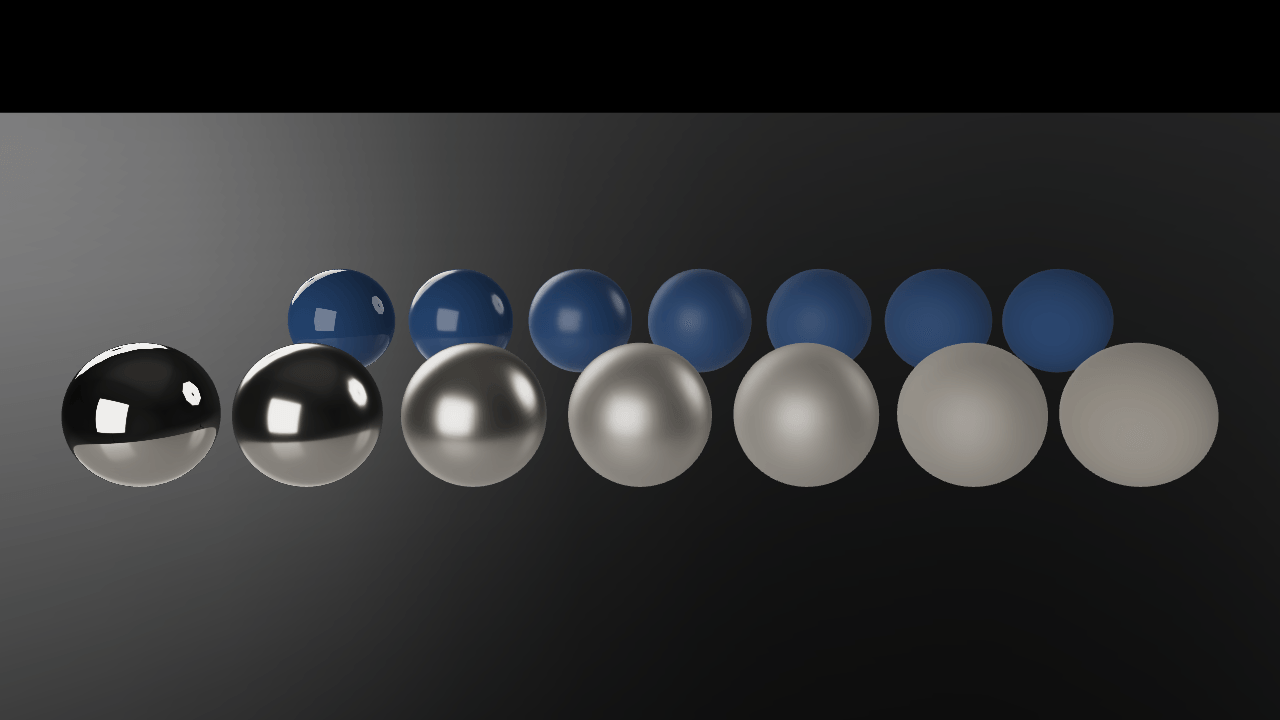
Image-based lighting
LightingLight a scene with environment images and see how surfaces reflect their surroundings.
- Mouse
- Touch
- Gamepad
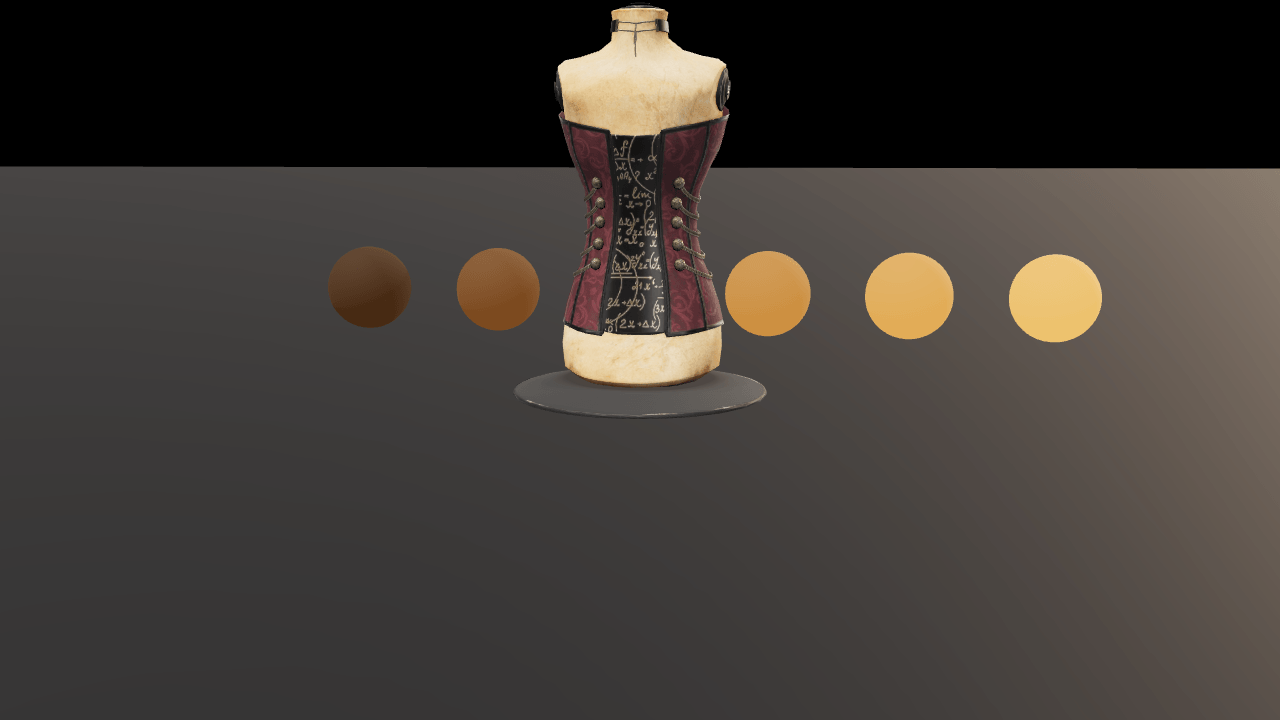
Tone mapping and exposure
LightingCompare how tone mapping, exposure and contrast change the finished image.
- Mouse
- Touch
- Gamepad
2D2
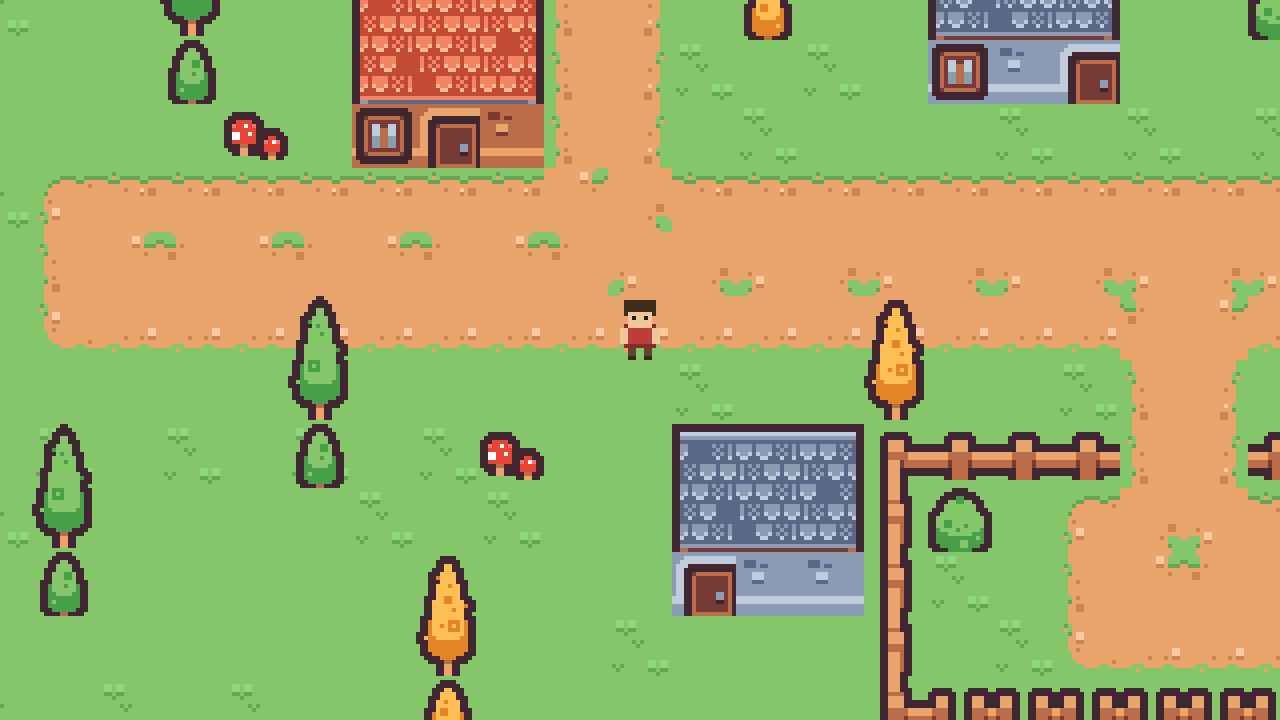
Tilemap
2DExplore a layered pixel-art village with solid walls and a following camera.
- Keyboard
- Gamepad
- Touch
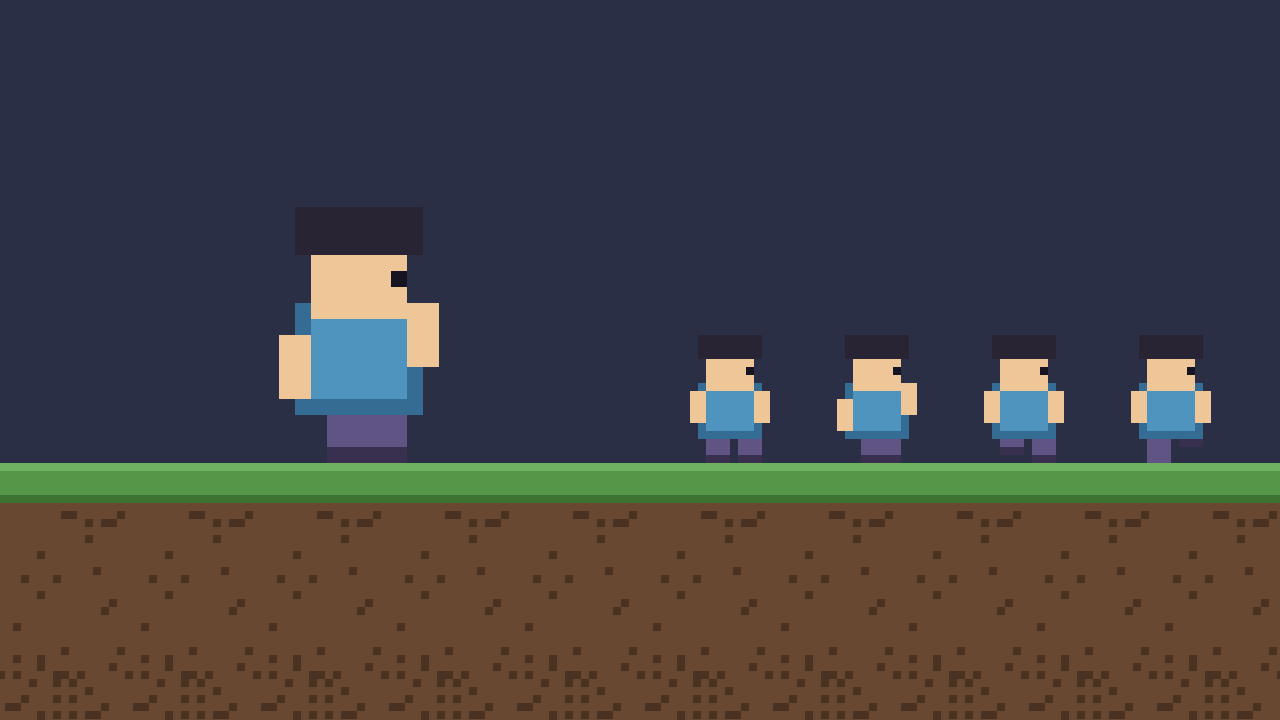
Sprite animation
2DPlay sprite clips, change their speed and flip the character’s direction.
- Mouse
- Touch
Gameplay2
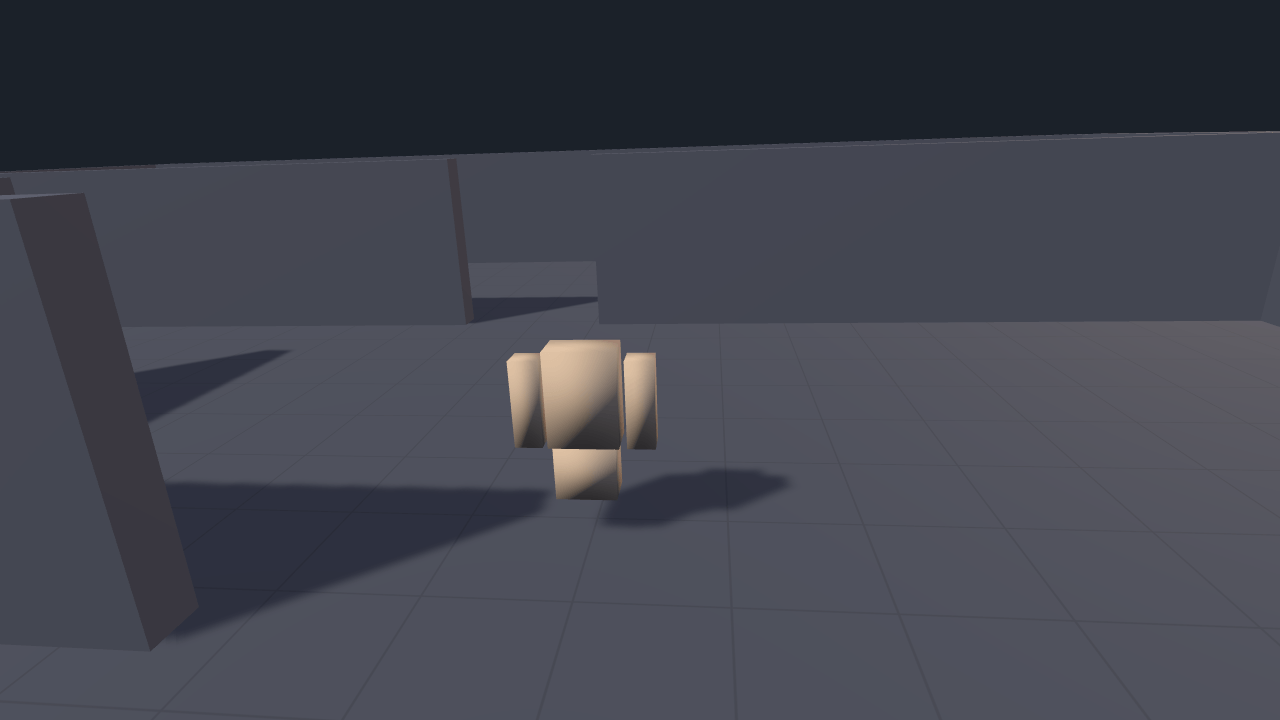
Third-person
GameplayMove a character with a following camera that adjusts around walls.
- Keyboard
- Mouse
- Gamepad
- Touch
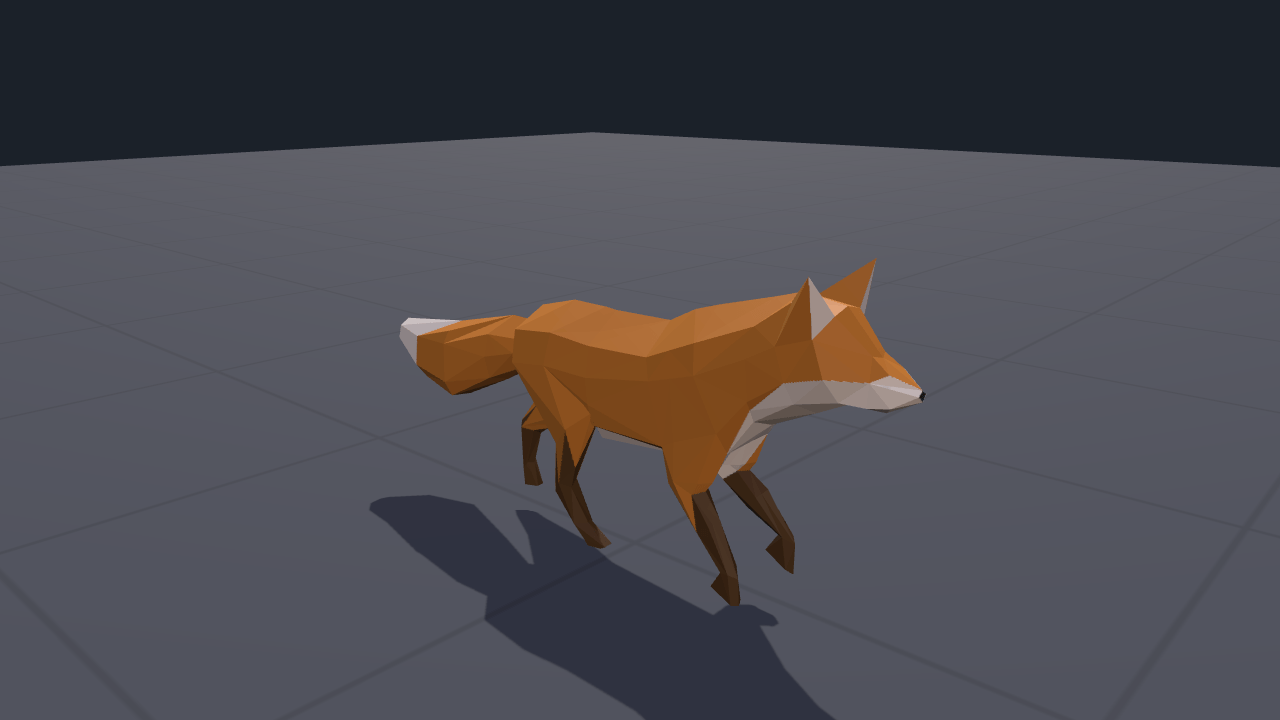
Animator
GameplayBlend movement animations and trigger a separate action, with events you can inspect.
- Mouse
- Touch
- Gamepad
Physics4
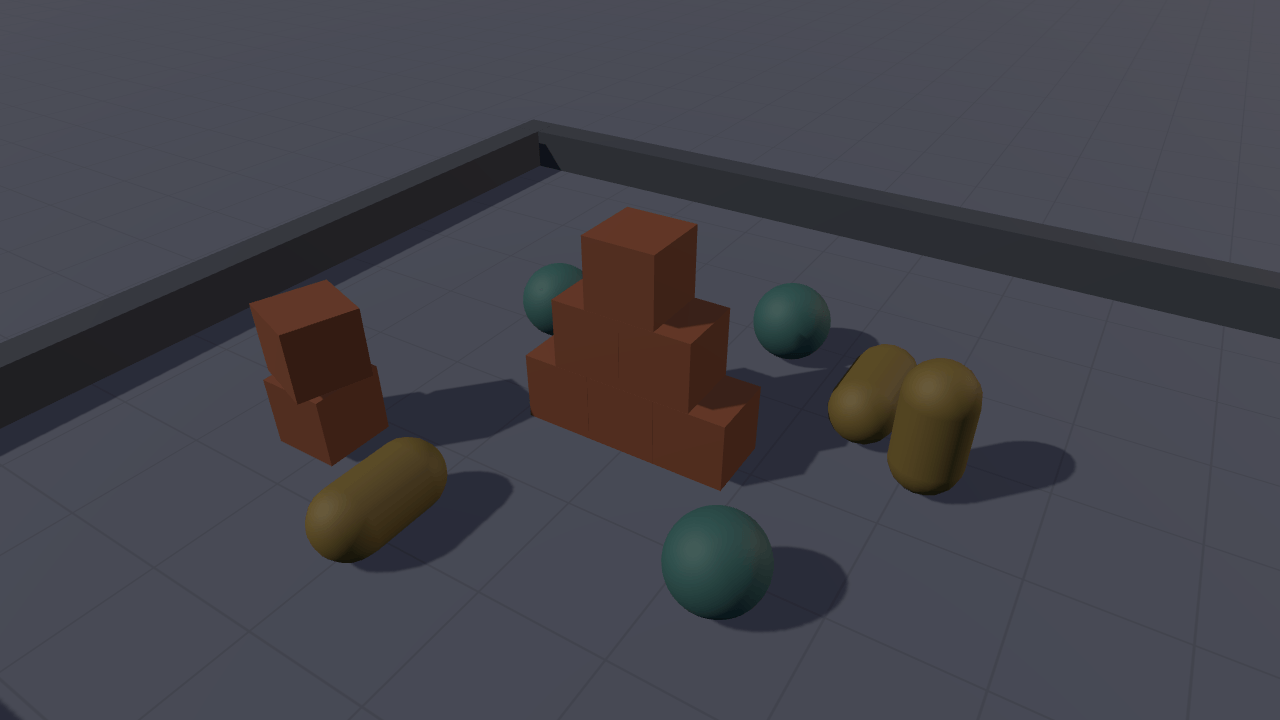
Physics playground
PhysicsDrop boxes, spheres and capsules into a pit and adjust their friction and bounce.
- Mouse
- Touch
- Keyboard
- Gamepad
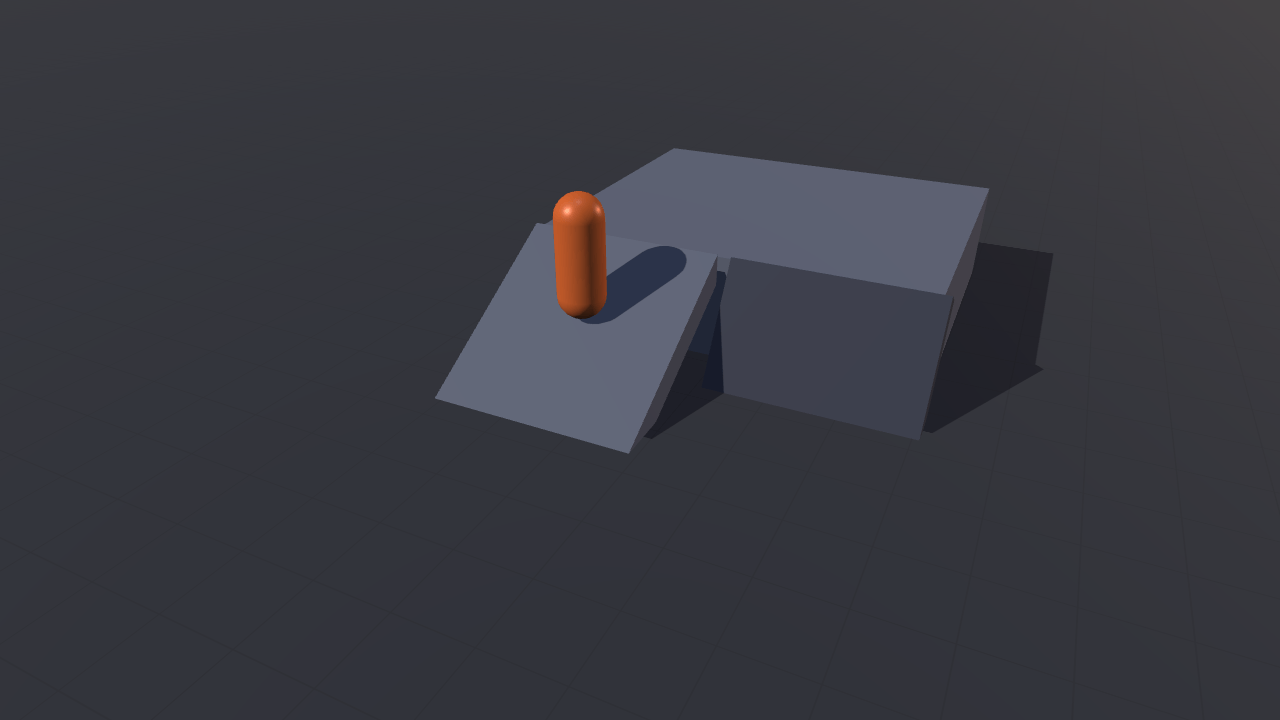
Character controller
PhysicsMove a character up ramps, test slope limits and try touch controls.
- Keyboard
- Gamepad
- Touch
- Mouse
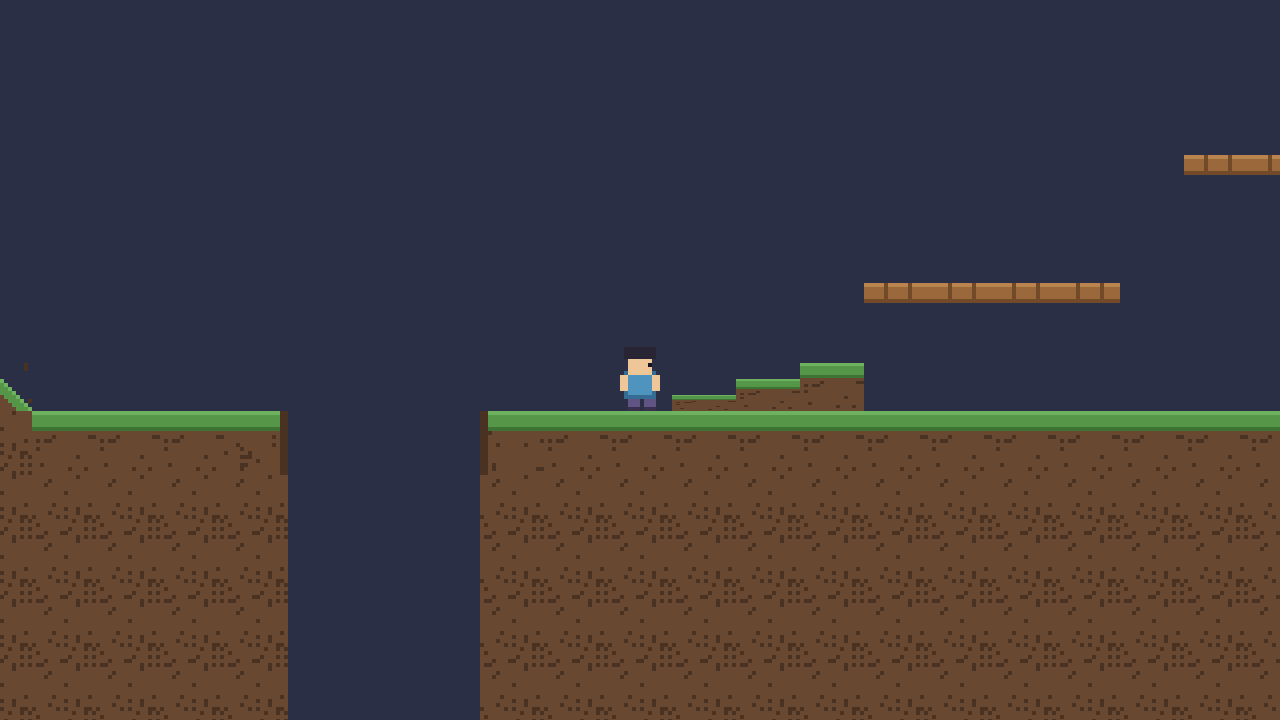
Platformer controller
PhysicsRun and jump across ramps, steps and platforms you can drop through.
- Keyboard
- Gamepad
- Touch
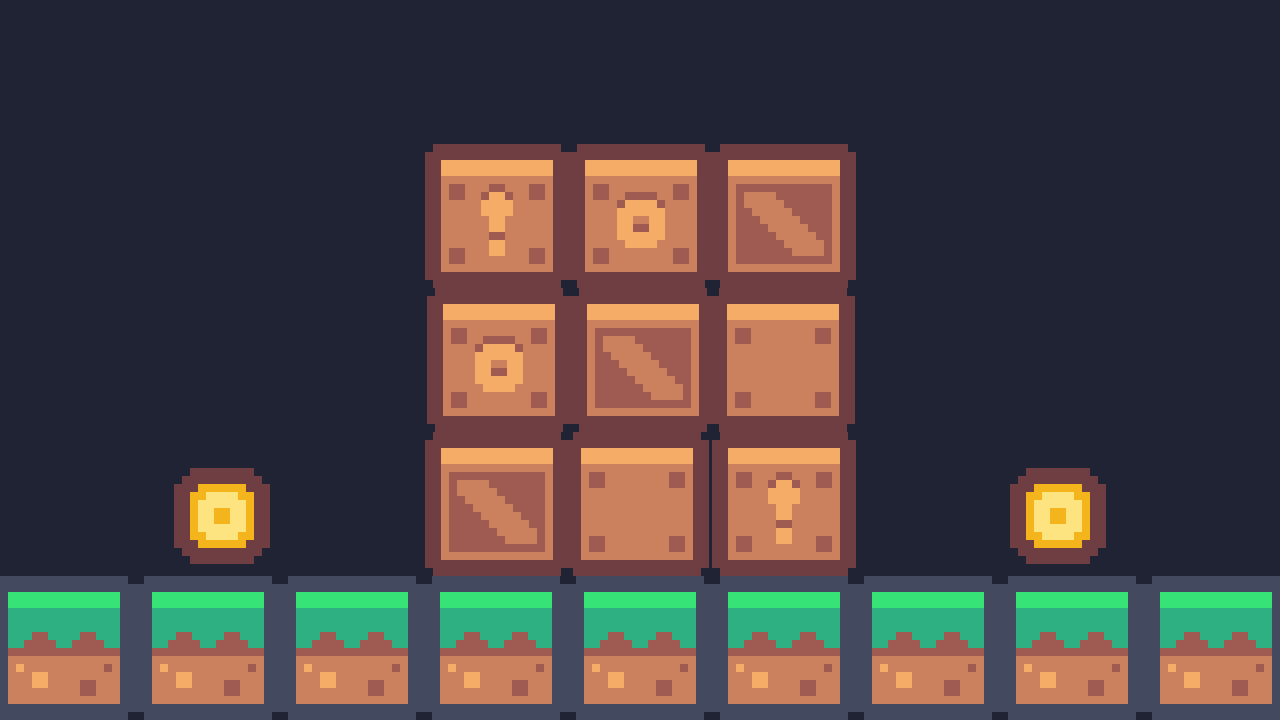
2D physics
PhysicsStack crates, launch coins and watch Rapier simulate the collisions.
- Mouse
- Touch
Input2
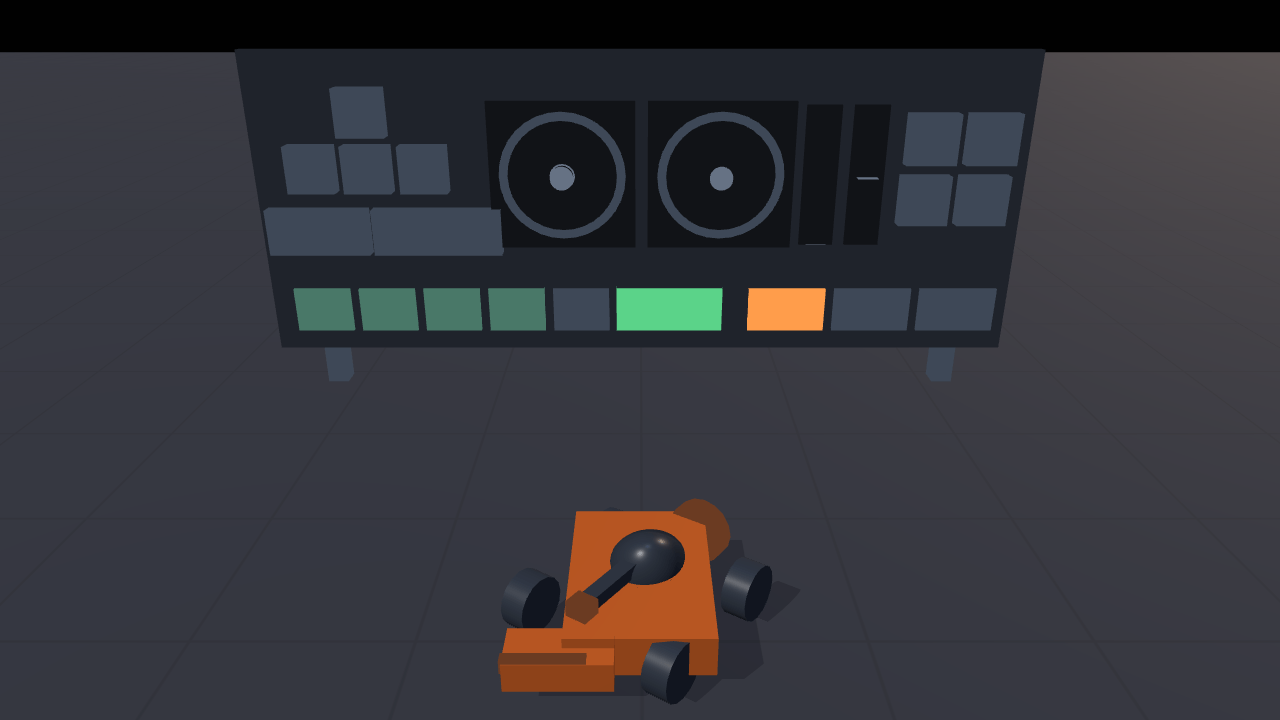
Input actions
InputDrive a rover and watch keyboard, gamepad and touch input appear on a live dashboard.
- Keyboard
- Mouse
- Gamepad
- Touch
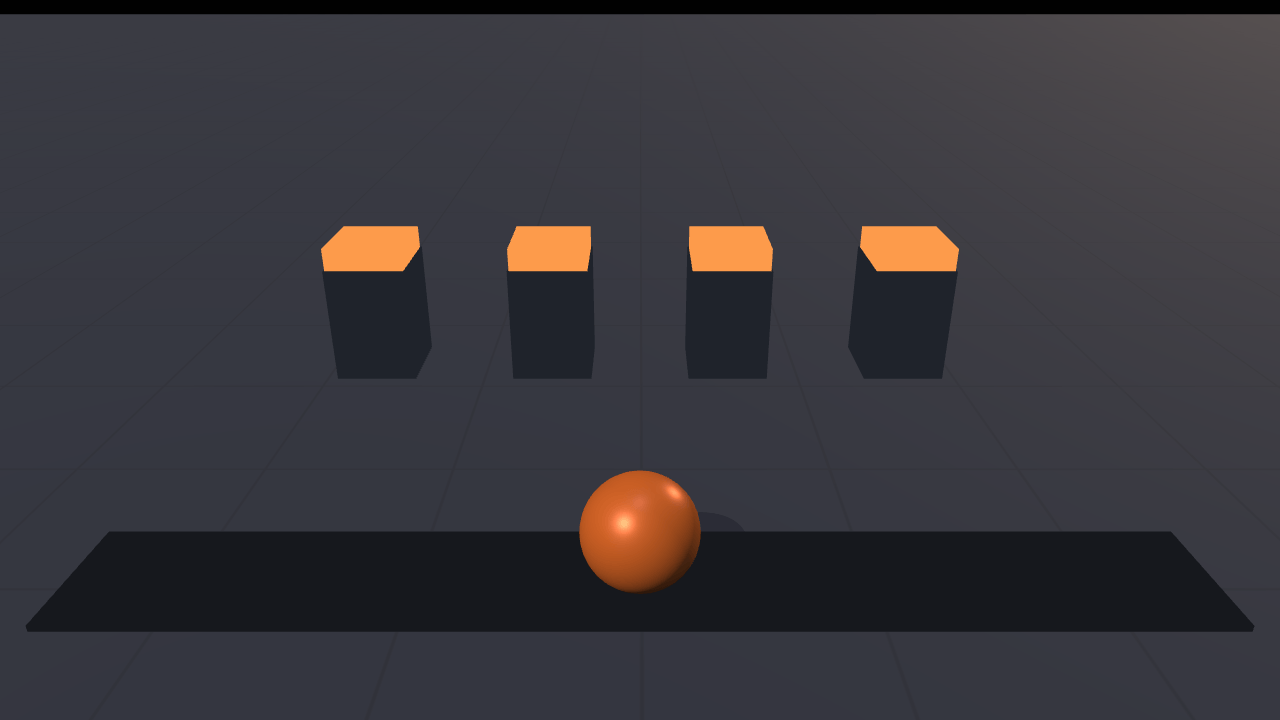
Rebinding
InputChange a control binding and keep it after reloading the page.
- Keyboard
- Gamepad
- Mouse
Audio1
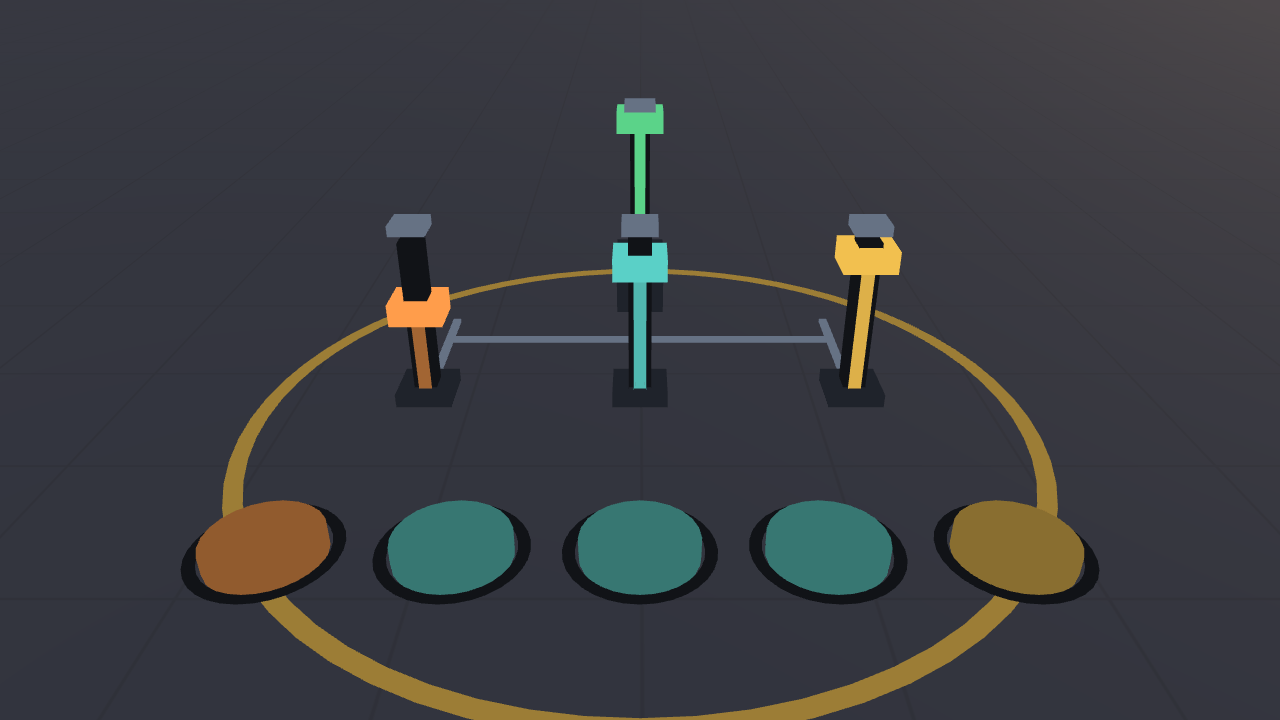
Audio mixer
AudioMix music, effects and interface sounds with separate volume controls.
- Mouse
- Touch
- Gamepad
UI1
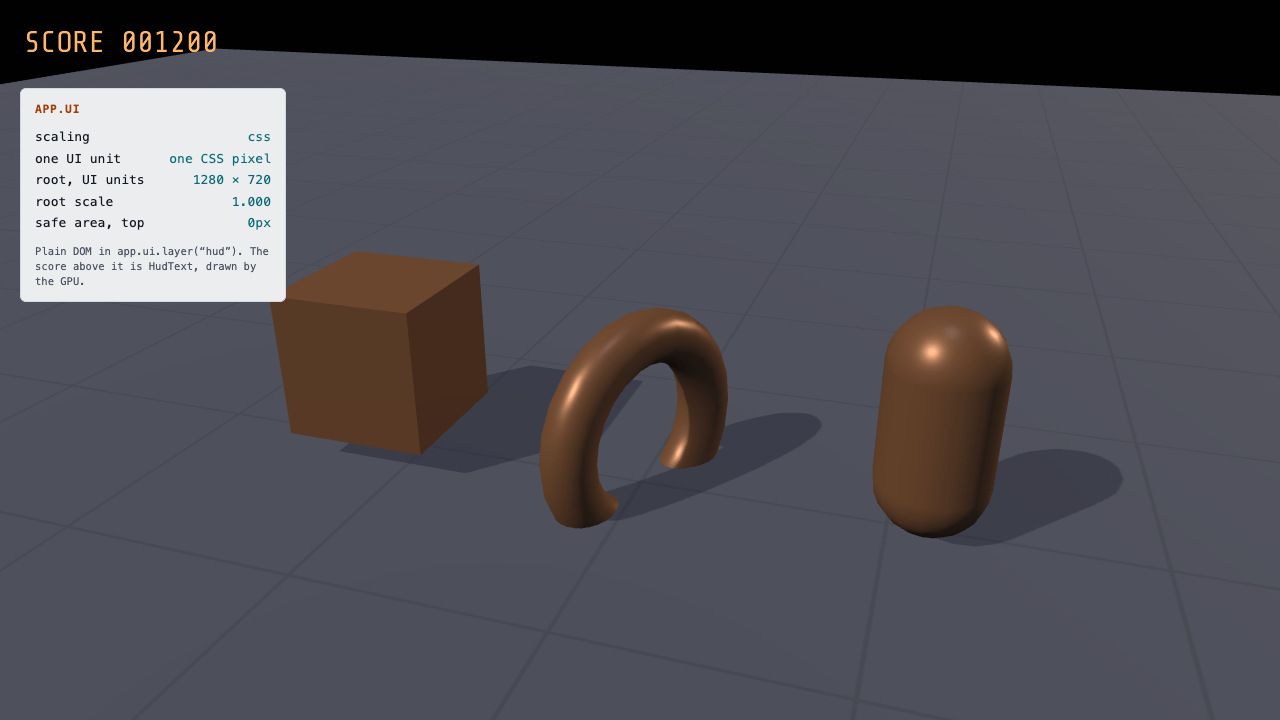
UI overlay
UITry a dialog, notifications and a HUD over a running game scene.
- Mouse
- Keyboard
- Touch
- Gamepad
Particles4
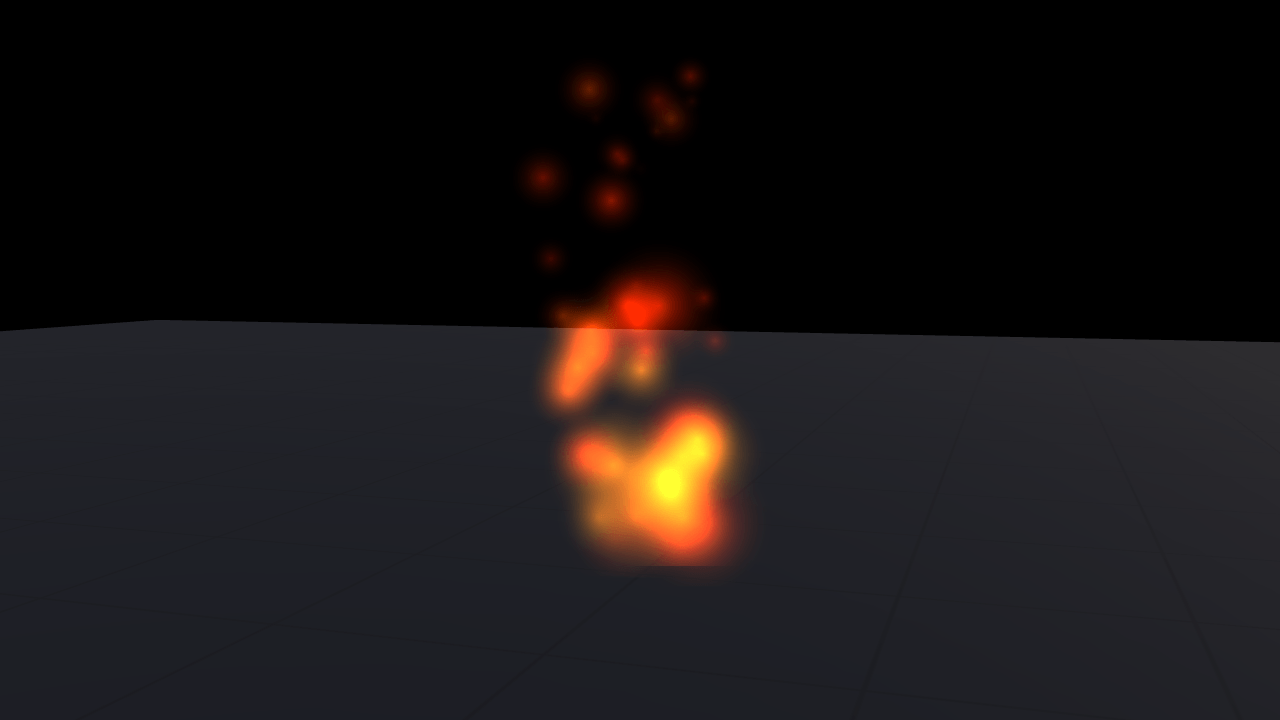
Particles
ParticlesThe nine shipped effects on one emitter, and what can be changed while they run.
- Mouse
- Touch
- Gamepad
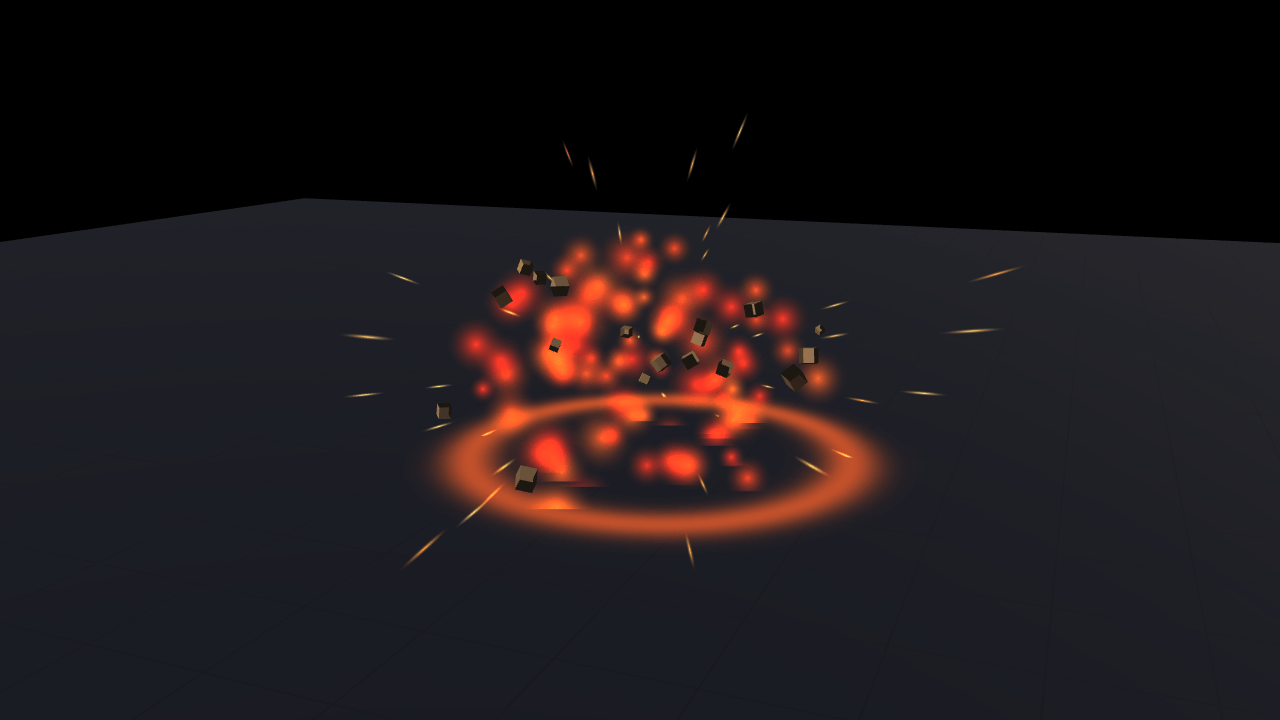
Explosion
ParticlesClick the ground to set off a blast: fireball, sparks, shockwave and lit debris.
- Mouse
- Touch
- Gamepad
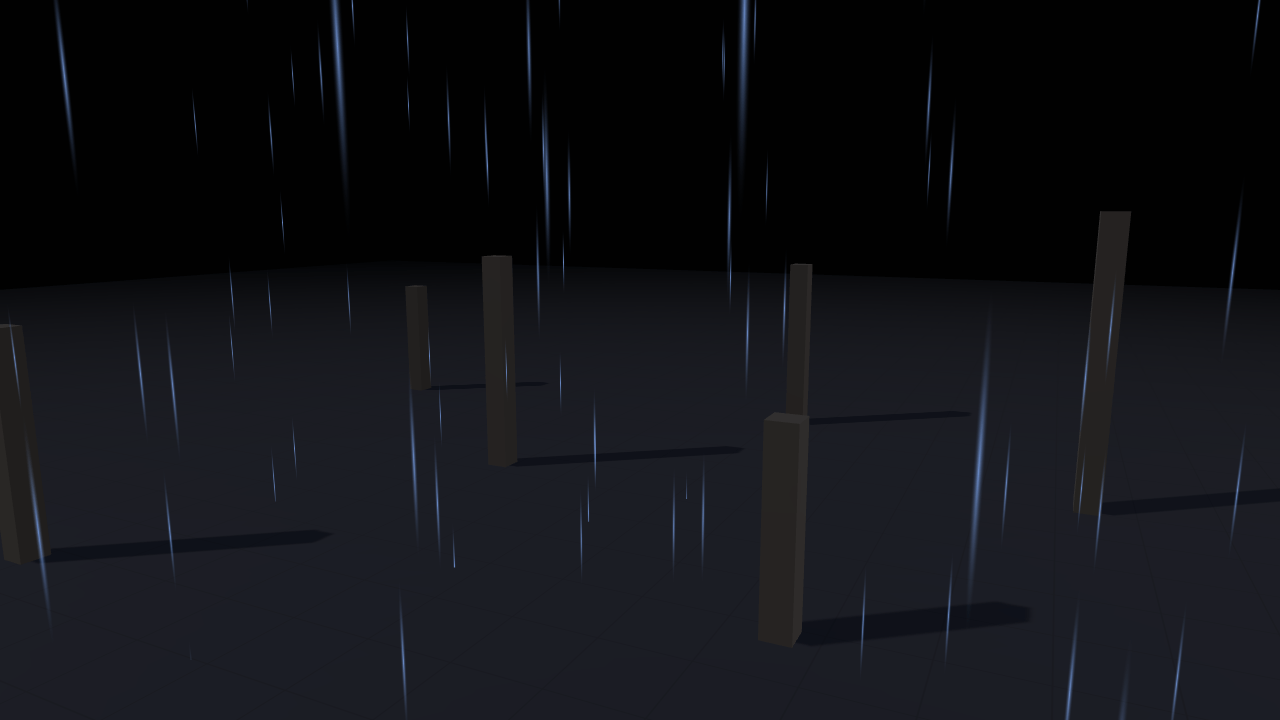
Weather
ParticlesRain and snow in volumes that follow the camera, with a wind that tilts them.
- Mouse
- Touch
- Gamepad
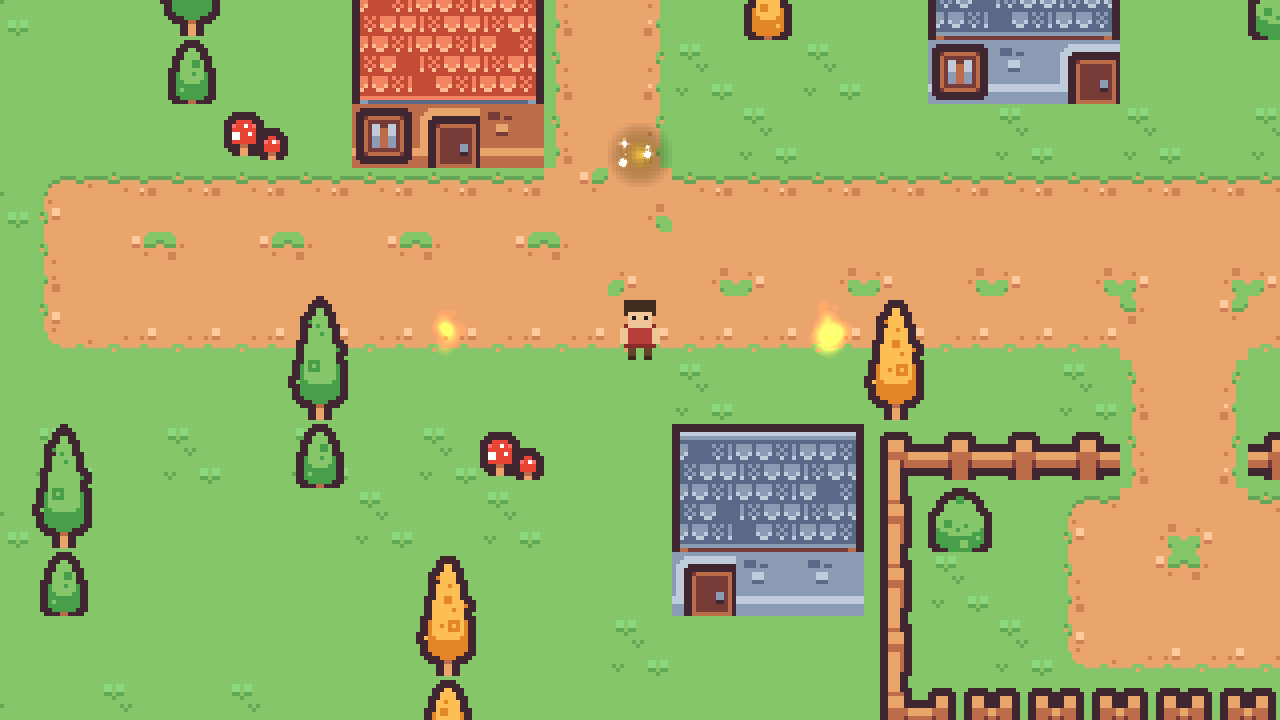
2D particles
ParticlesFire pits, footstep dust and a sparkle over a gold coin, on sorting layers with the sprites.
- Keyboard
- Gamepad
- Touch
Terrain5
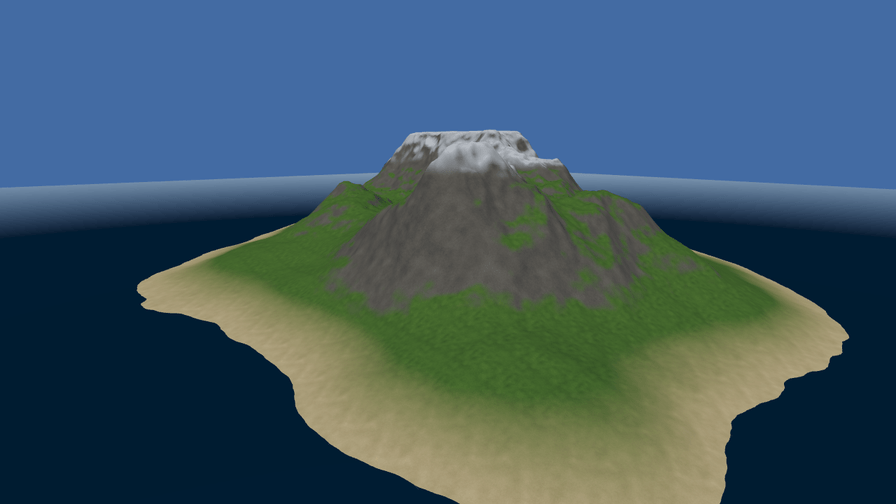
Heightmap terrain
TerrainA 512-metre island from a 16-bit heightmap, four blended ground layers, and chunked LOD.
- Keyboard
- Mouse
- Touch
- Gamepad
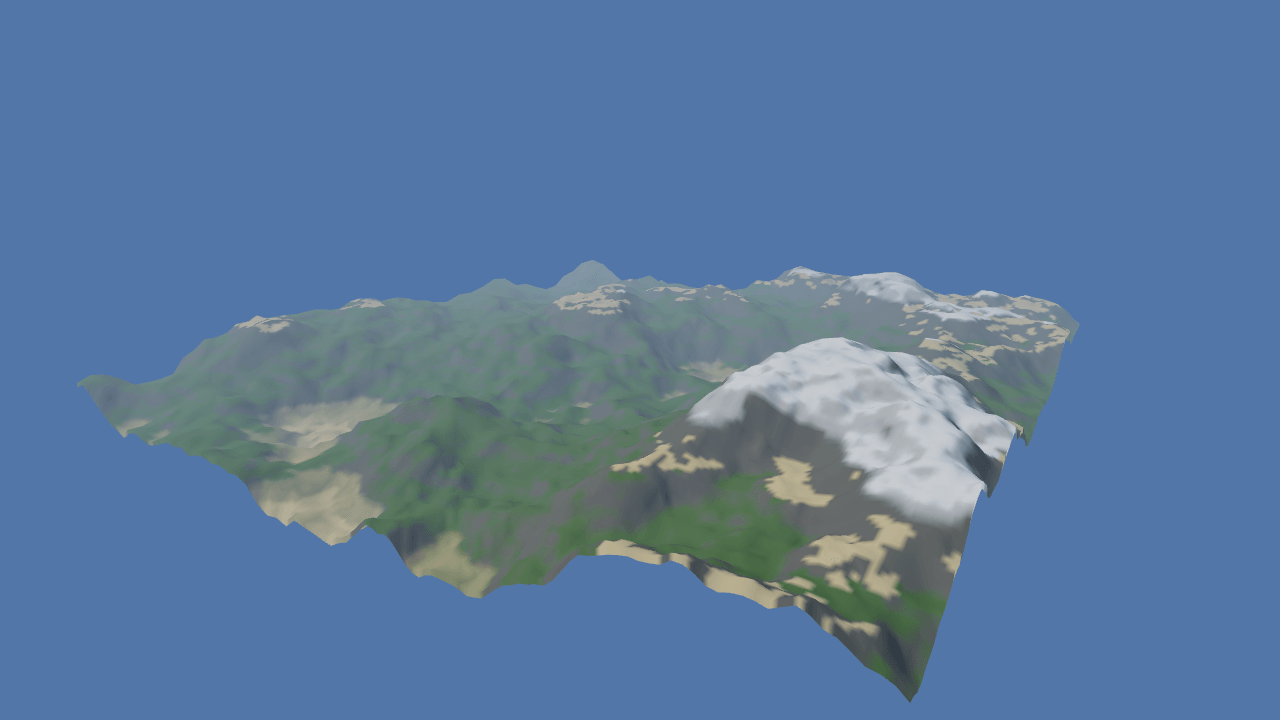
Procedural terrain
TerrainSeven numbers and a seed: a noise island rebuilt live, painted by rules, in a sea that fades out.
- Mouse
- Touch
- Gamepad
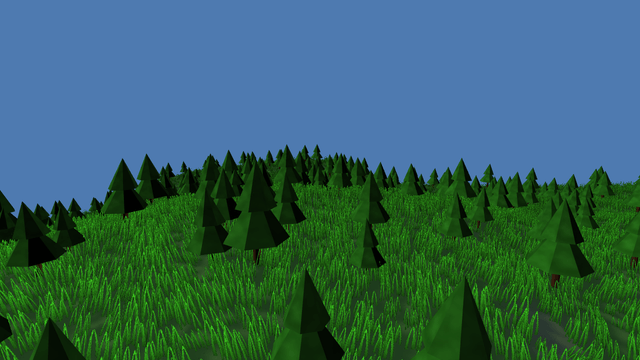
Terrain foliage
TerrainGrass and conifers scattered by the splat map, GPU-culled, LOD-swapped and blown by the wind.
- Mouse
- Touch
- Gamepad
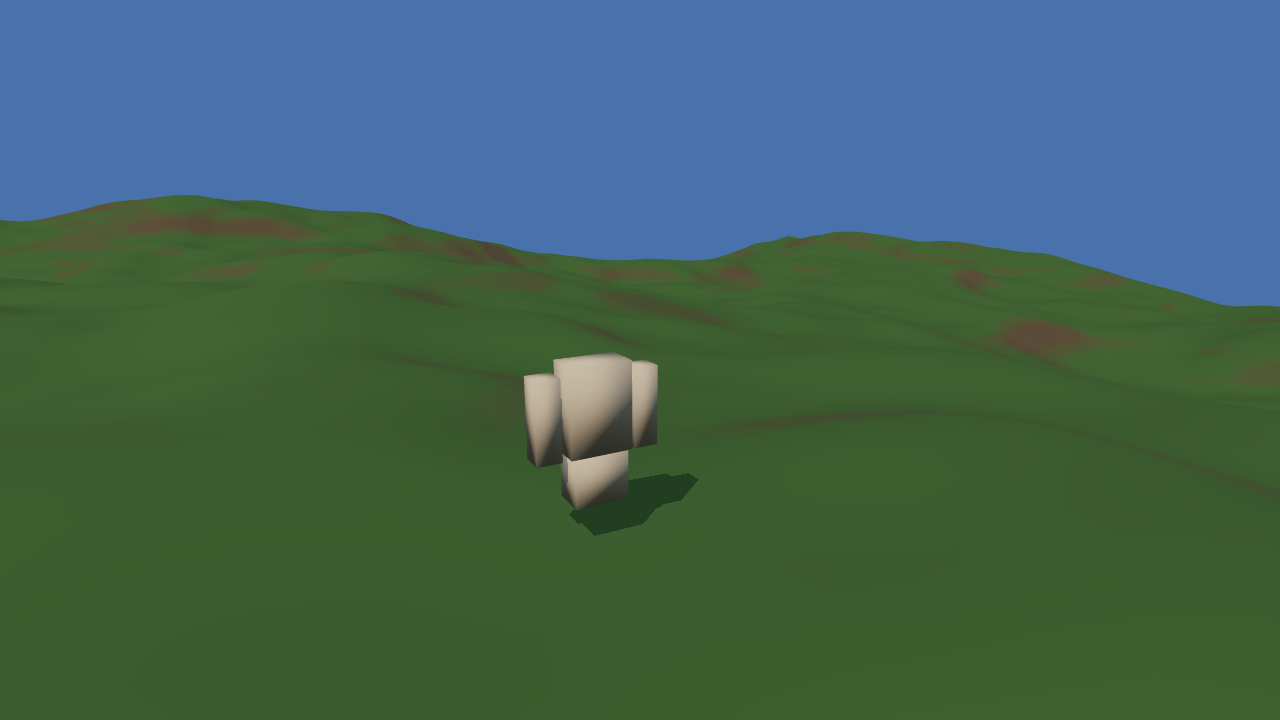
Walk on terrain
TerrainA third-person character on a heightfield collider, kicking up dust with every stride.
- Keyboard
- Mouse
- Touch
- Gamepad
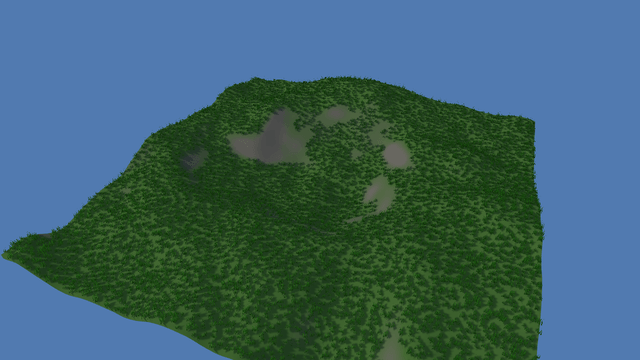
Sculpt terrain
TerrainDrag to raise, lower and smooth the ground; the collider and the grass follow the edit.
- Mouse
- Touch
Platform1
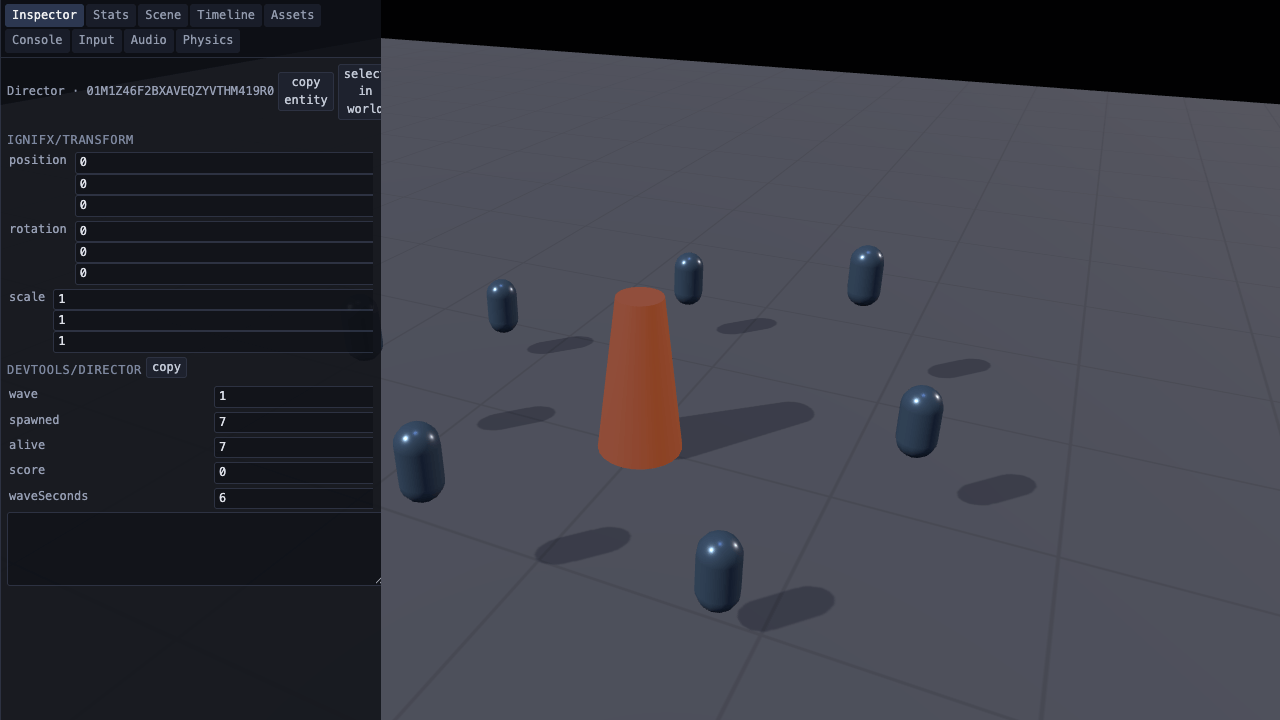
Devtools overlay
PlatformInspect scene objects, edit values and watch performance while the game runs.
- Mouse
- Keyboard
- Touch
- Gamepad
Templates4
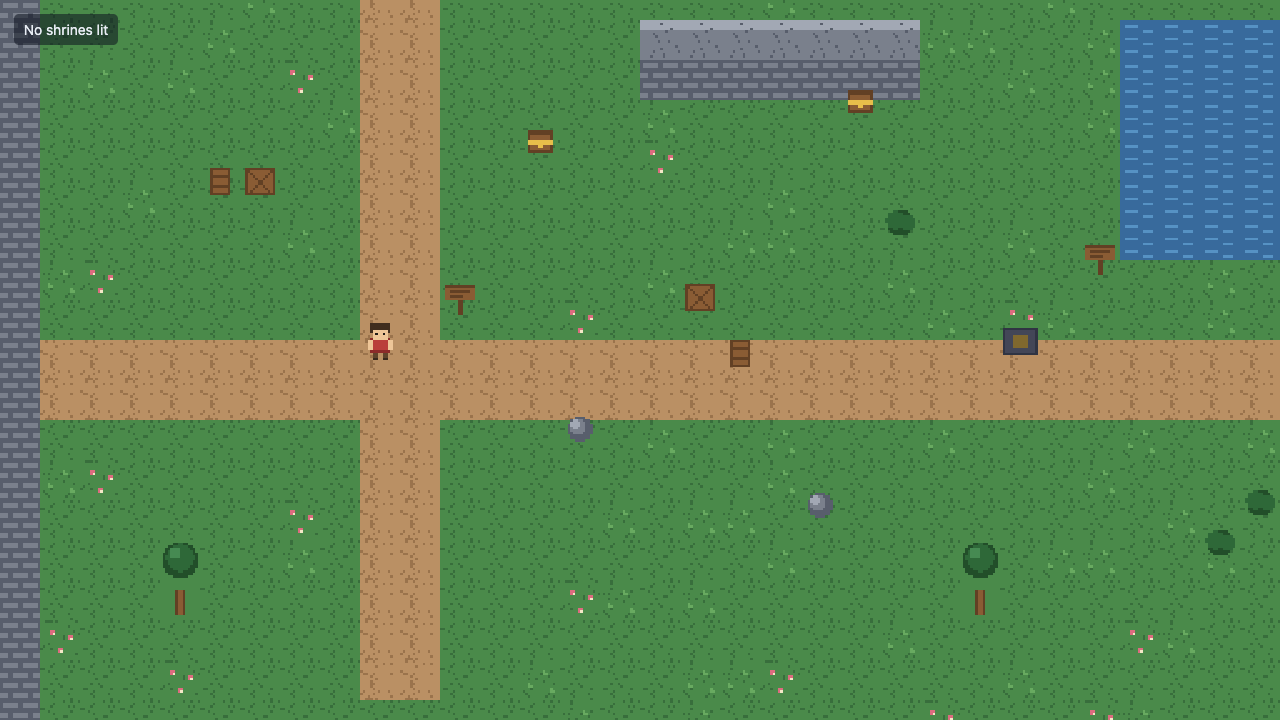
Top-down 2D game
TemplatesExplore a pixel-art courtyard, light shrines and save your progress.
- Keyboard
- Gamepad
- Touch
- Mouse
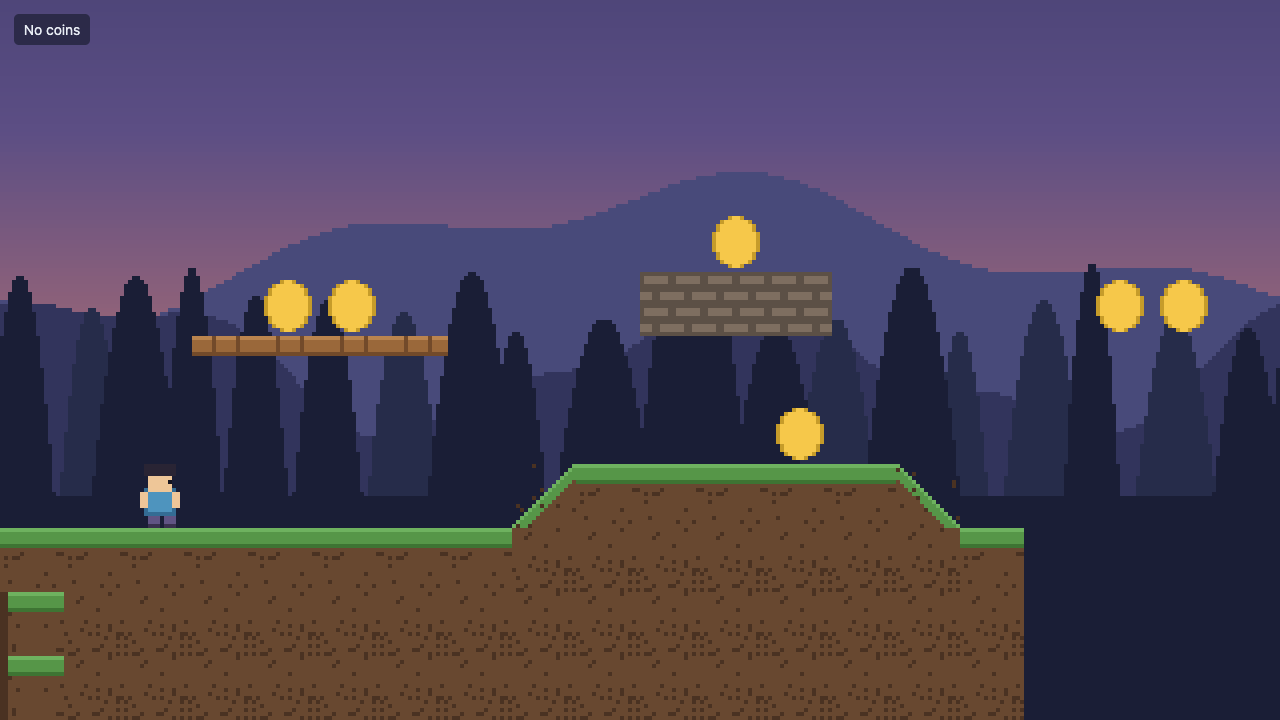
Side-scrolling 2D game
TemplatesRun, jump and collect coins across a scrolling pixel-art level.
- Keyboard
- Gamepad
- Touch
- Mouse
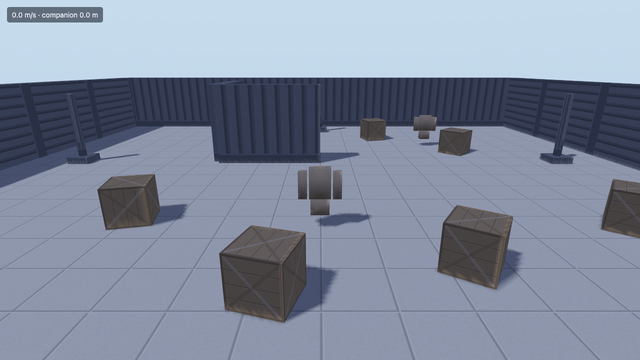
Third-person 3D game
TemplatesExplore with an animated character, a following camera and an AI companion.
- Keyboard
- Gamepad
- Touch
- Mouse
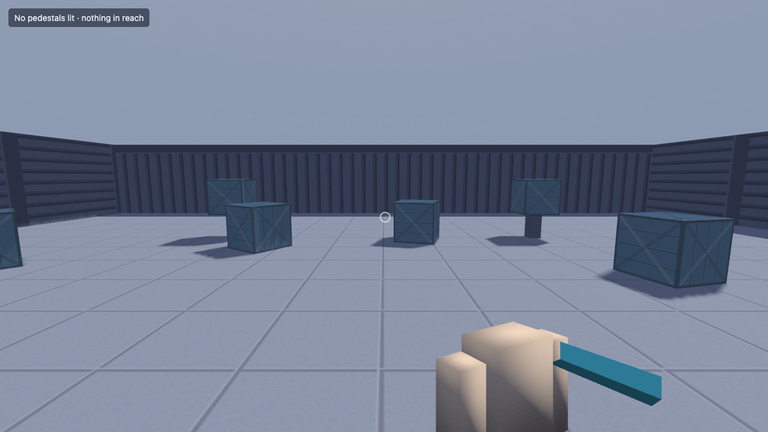
First-person 3D game
TemplatesExplore in first person, push crates and interact with objects.
- Keyboard
- Gamepad
- Touch
- Mouse
Sample models and environments are credited on the attribution page.