2D top-down
- Keyboard
- Gamepad
- Touch
- Mouse
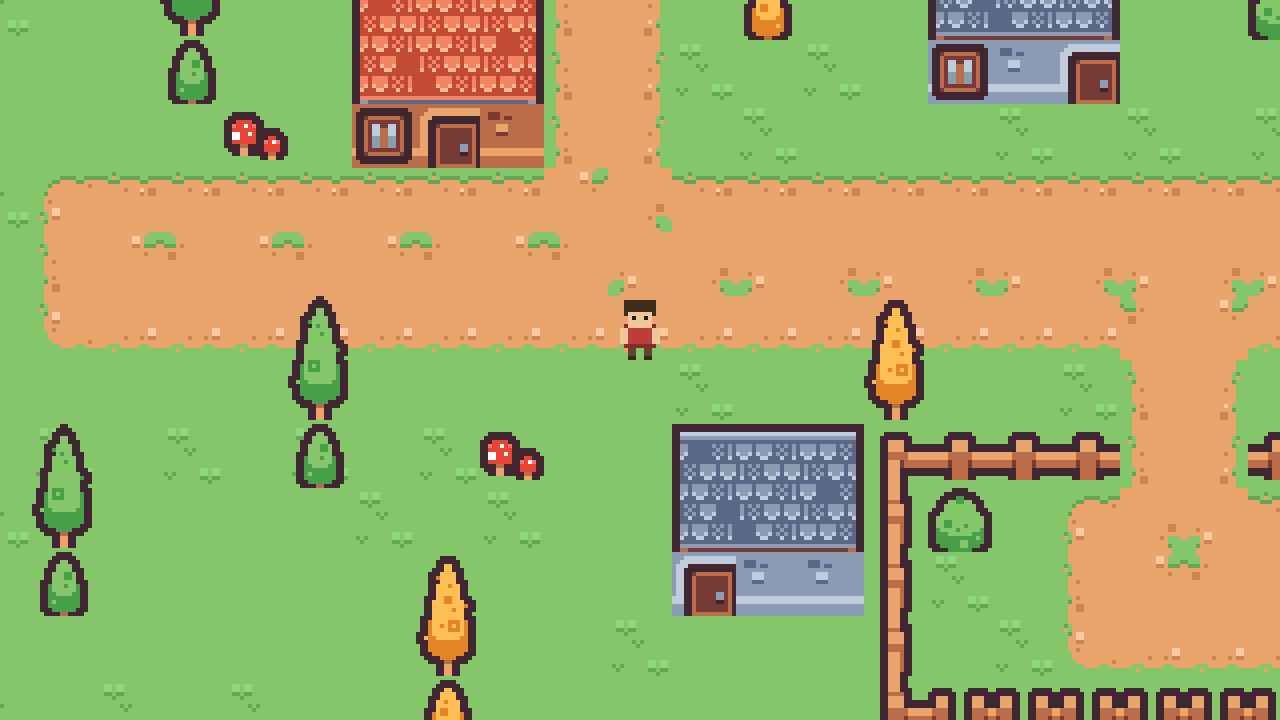
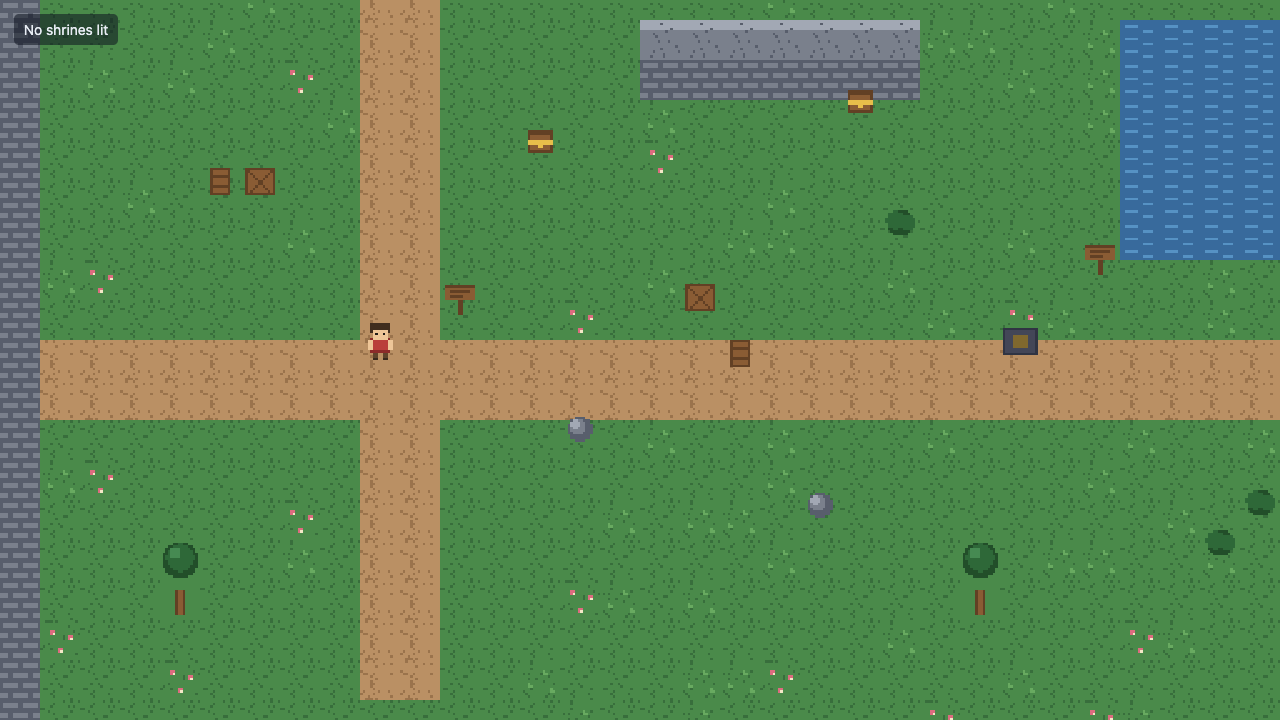
Explore a pixel-art courtyard, light shrines and save your progress.
--template 2d-topdown
ignifx is an open-source engine for 2D and 3D games in WebGPU browsers and on the desktop. Your game is TypeScript. Read a whole one below while it runs.
npx @ignifx/cli@latest my-gamemain.tsa complete game, top to bottomImport what the game uses and declare a script. speed is a typed field you can save and adjust in the inspector.
import { Camera, Light, MeshAsset, MeshRenderer, Script, createApp, createMaterialAsset, f32, pbrMaterialDefinition,} from "@ignifx/core";import type { ScriptCallbacks } from "@ignifx/core";class Spinner extends Script.define({ speed: f32(90) }) implements ScriptCallbacks { static typeId = "demo/Spinner"; // `speed` is a serialized field, degrees per second update(dt: number): void { this.transform.rotate({ x: 0, y: this.speed * dt, z: 0 }); }}Add features as you need them. Register input, physics or audio when you create your app.
const canvas = document.querySelector("canvas");if (!(canvas instanceof HTMLCanvasElement)) { throw new Error("ignifx needs a <canvas> element on the page.");}// Shadows are a Babylon Lite opt-in, declared before the scene is registered (IGX-0704).const app = await createApp({ canvas, settings: { rendering: { features: { shadows: true } } } });app.registerComponents([Spinner]);Entities with components: a camera, a light, a ground and a cube.
const eye = app.world.createEntity("Main Camera");eye.transform.localPosition.set(0, 2.5, -4.5);eye.transform.lookAt({ x: 0, y: 0.6, z: 0 });eye.addComponent(Camera, { fov: 55, far: 100 });const sun = app.world.createEntity("Sun");sun.transform.localPosition.set(3, 6, -2);sun.transform.lookAt({ x: 0, y: 0, z: 0 });const light = sun.addComponent(Light, { type: "directional", intensity: 3 });light.shadows.enabled = true;const ground = app.world.createEntity("Ground");ground.addComponent(MeshRenderer, { mesh: MeshAsset.ground(app, { width: 20, height: 20 }), castShadows: false,});const ember = createMaterialAsset( app, pbrMaterialDefinition({ name: "ember", baseColor: { r: 0.93, g: 0.42, b: 0.16, a: 1 }, roughness: 0.35 }), [],);const cube = app.world.createEntity("Cube");cube.transform.localPosition.set(0, 0.65, 0);cube.addComponent(MeshRenderer, { mesh: MeshAsset.box(app, { size: 1.3 }), materials: [ember] });cube.addComponent(Spinner, { speed: 120 });Choose when your code runs. Use fixedUpdate for physics and update for changes each frame.
await app.start();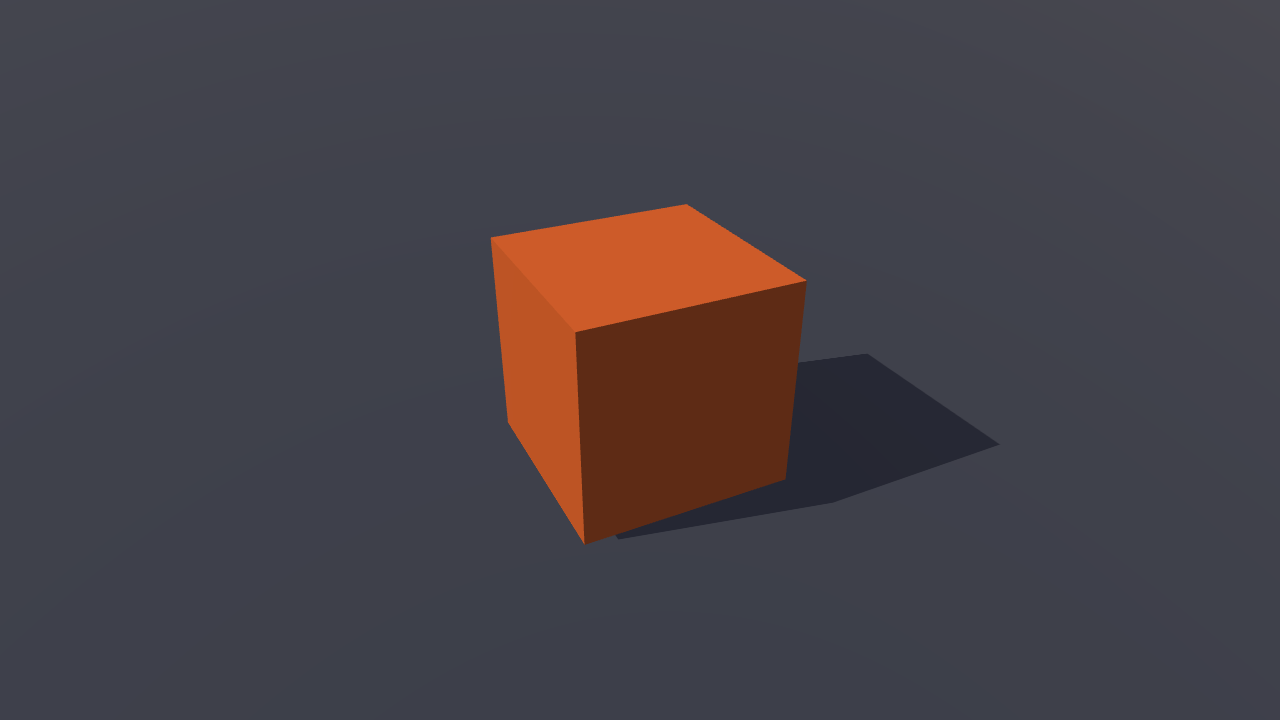
0.00s
Boot time, measured in this browser.
Four templates, each with menus, settings, saves and controls for keyboard, gamepad and touch. Play one here, then create your own copy.
Explore a pixel-art courtyard, light shrines and save your progress.
--template 2d-topdown
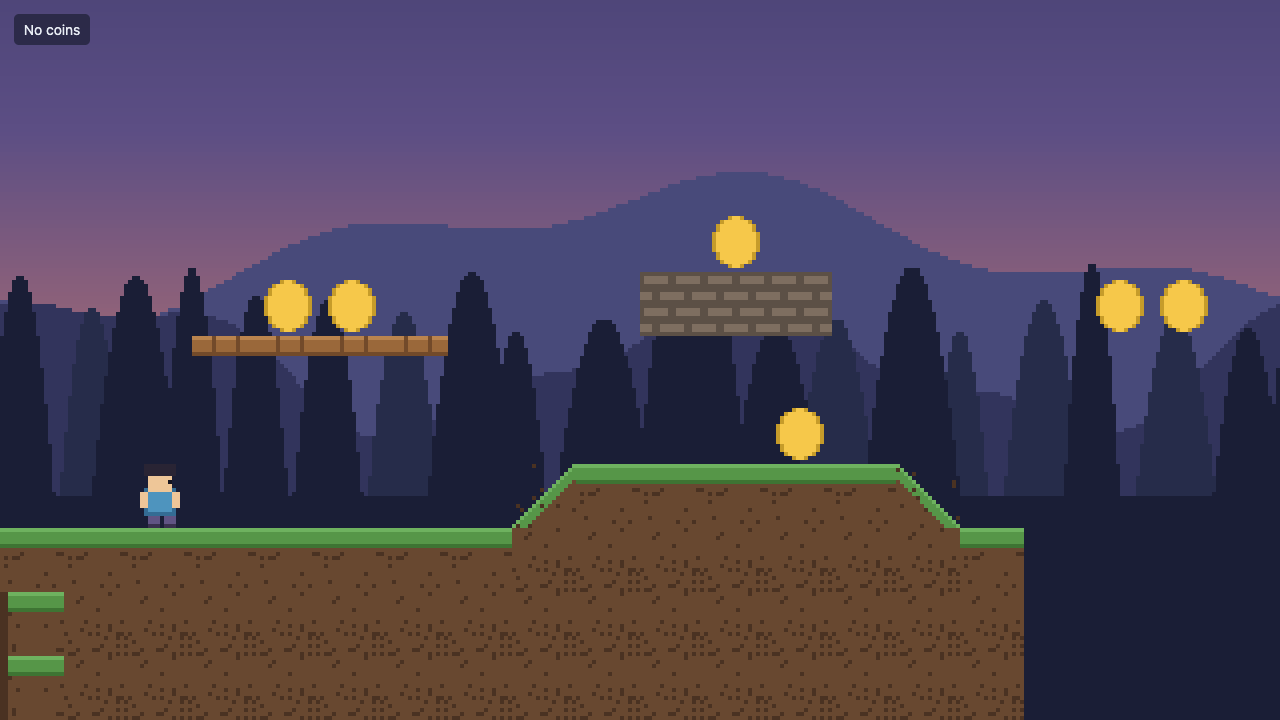
Run, jump and collect coins across a scrolling pixel-art level.
--template 2d-sidescroller
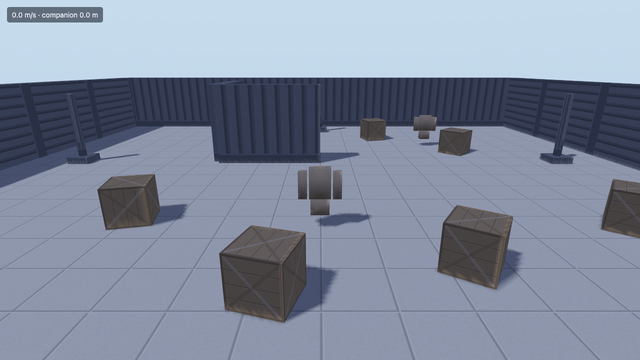
Explore with an animated character, a following camera and an AI companion.
--template 3d-third-person
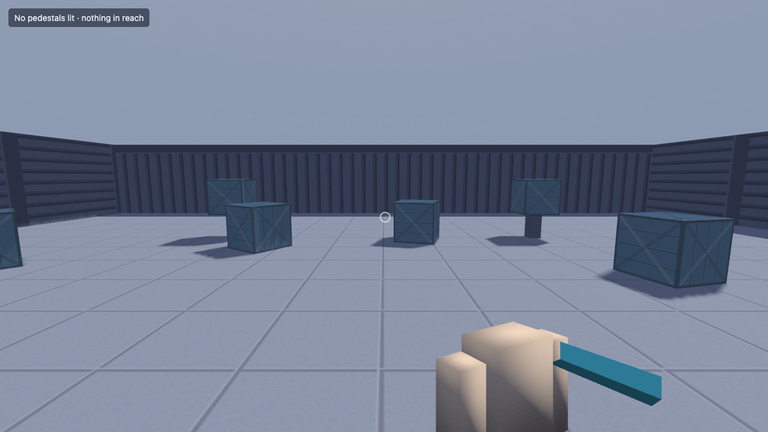
Explore in first person, push crates and interact with objects.
--template 3d-first-person
From the first moving character to menus and sound. Each extension is one line when you create your app, and each row opens an example running it.
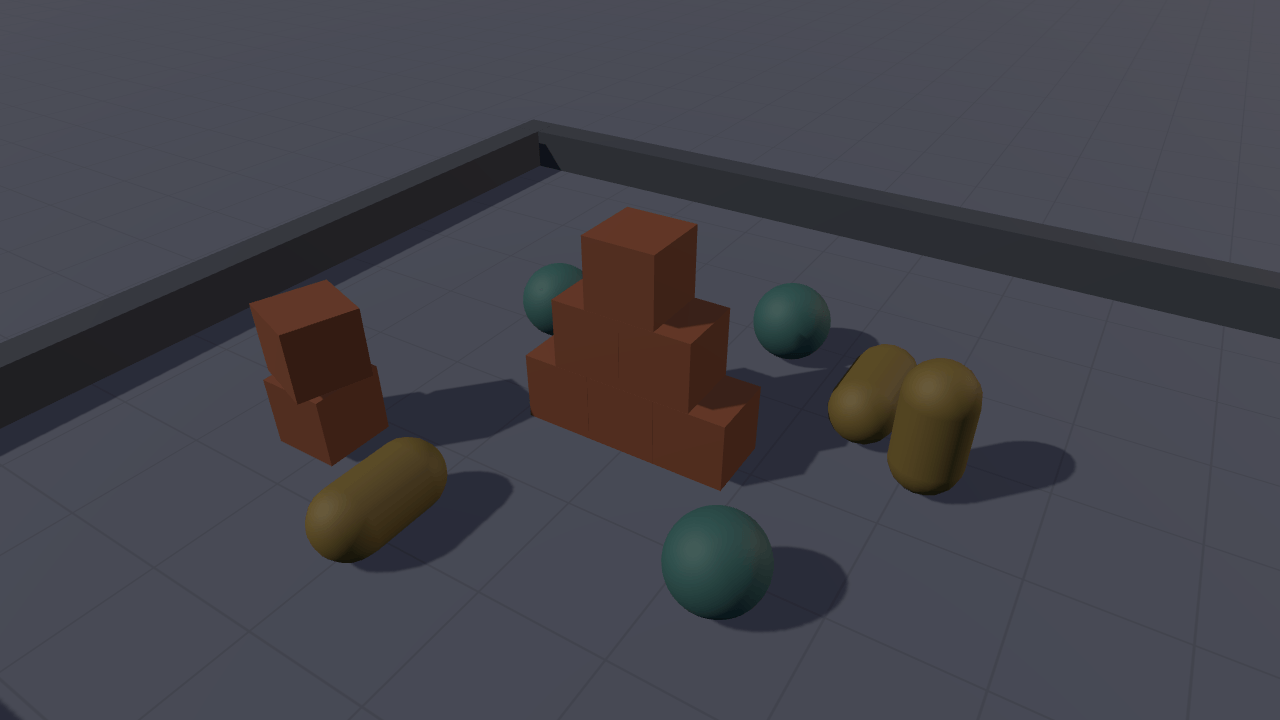
All featuresGive 3D scenes realistic materials, reflections, shadows and a finishing touch of bloom.
See it runBring sprites and tilemaps to life with animation, layered backgrounds and pixel-perfect cameras.
See it runAdd collisions, moving bodies and character controllers with Havok for 3D and Rapier for 2D.
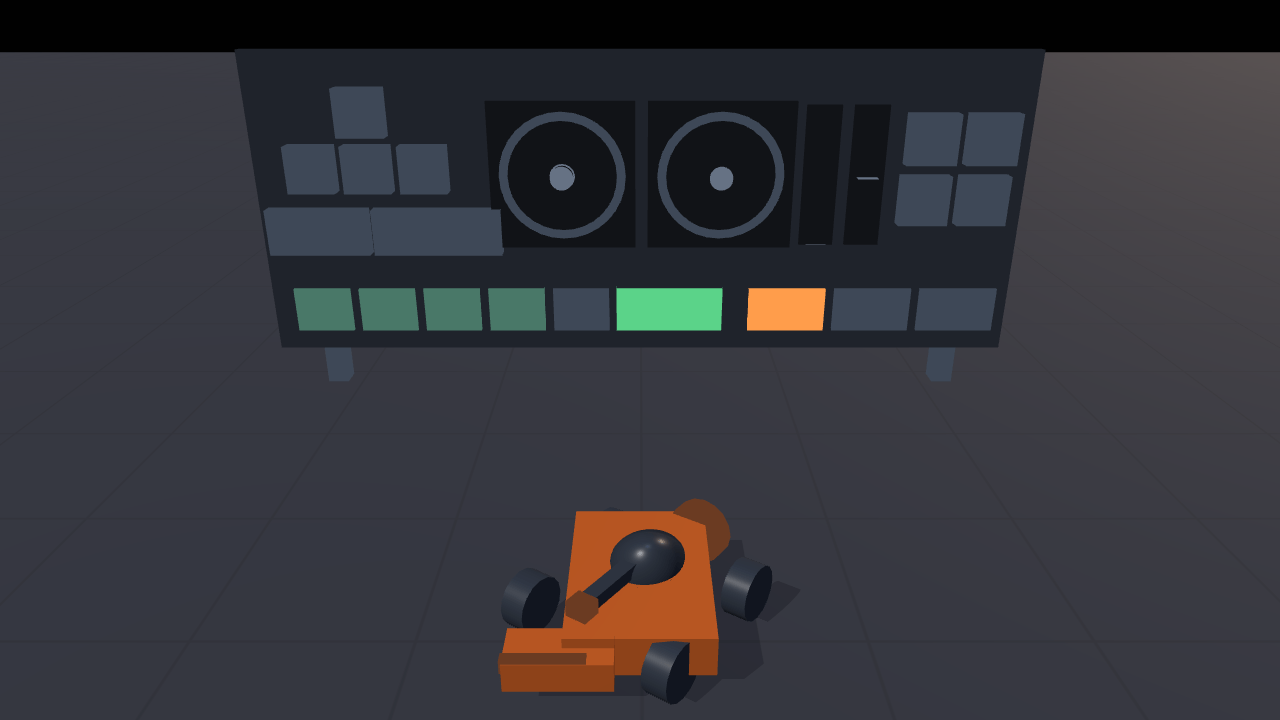
See it runSupport keyboard, mouse, gamepad and touch, with controls players can rebind.
See it runPlay music and positional sound effects. Give players separate volume controls for each.
See it runBuild menus, health displays and dialogs with HTML, plus touch controls and translations.
See it runignifx ships an Agent Skill: the engine's guide, concepts, API reference and recipes, written for coding agents. The docs harness compiles the code in it, so what your agent reads matches the engine you install.
The skill also comes inside the ignifx package, under node_modules/ignifx/skills/. Any agent can start from /llms.txt.
npx skills add astrum-forge/ignifxThe default is the top-down template; pass --template 3d-third-person for another. Add --desktop for an Electron build.
Requires a browser with WebGPU. Desktop builds use Electron. Check browser support
npx @ignifx/cli@latest my-gamecd my-game && npm install && npm run devMade by Astrum Forge Studios, an independent studio that builds its own games with ignifx. Open source under Apache-2.0.